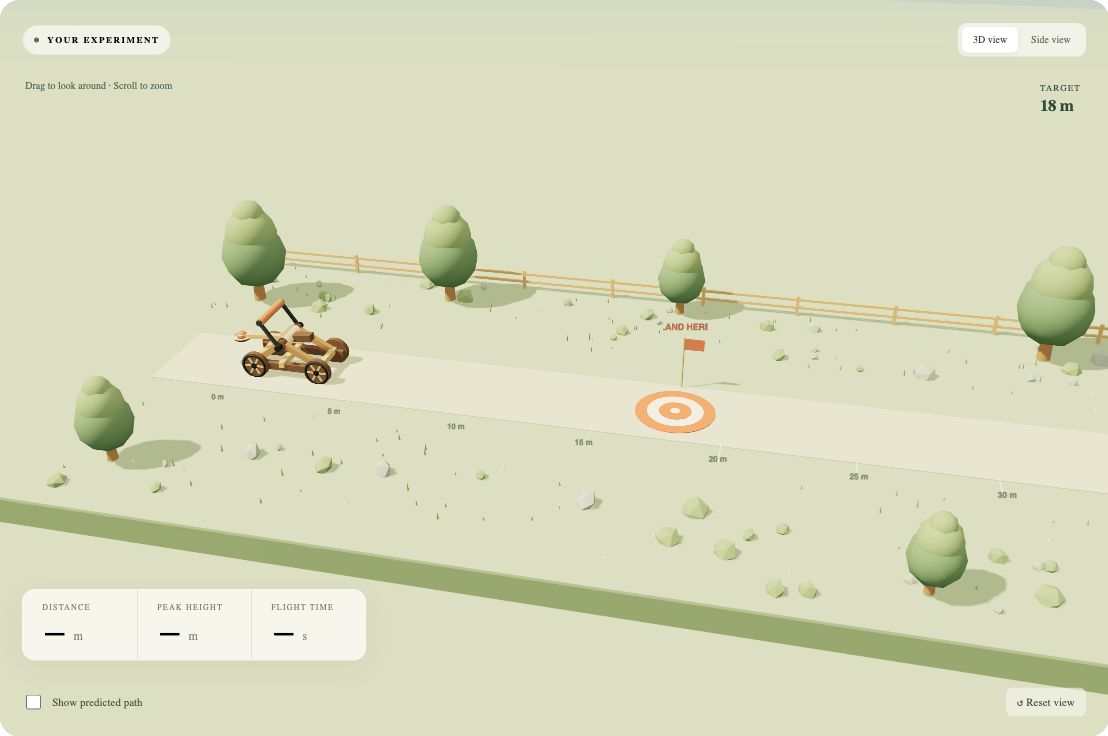
How does the world move?
Push, pull, drop and bend light. Change one thing and watch what happens next.
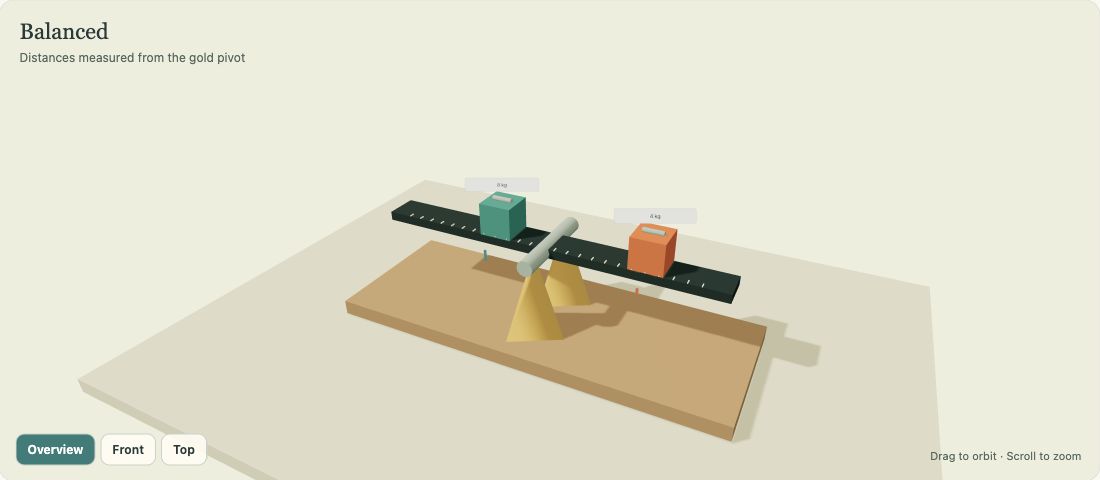
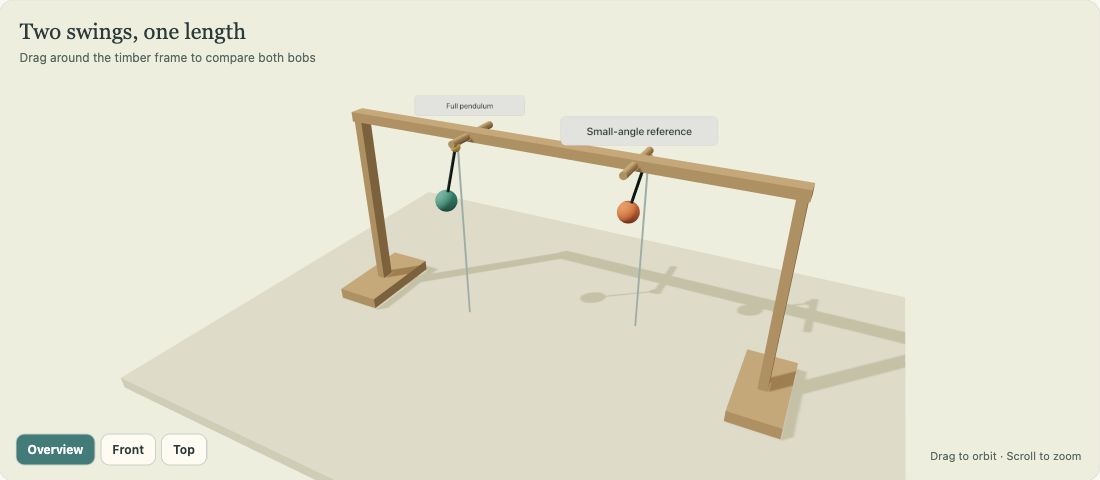
Pendulum: two models compared
When does the small-angle approximation stop being accurate?
Launch ↗Teacher notes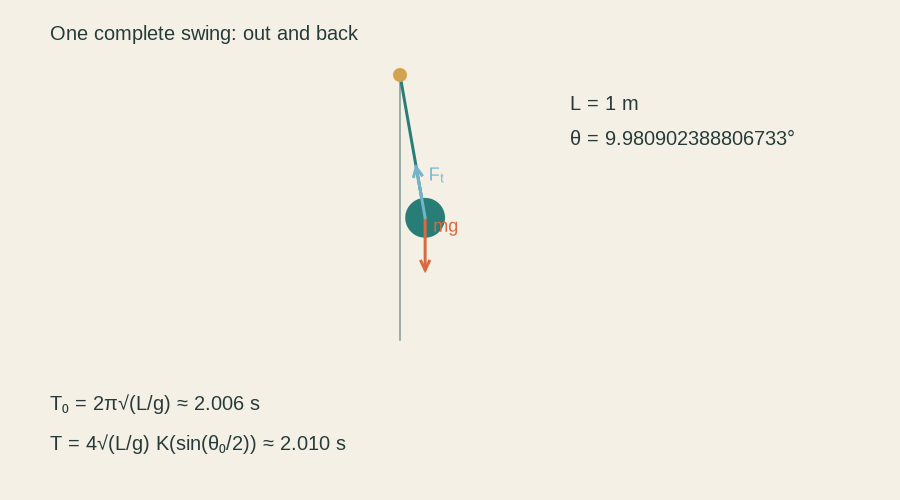
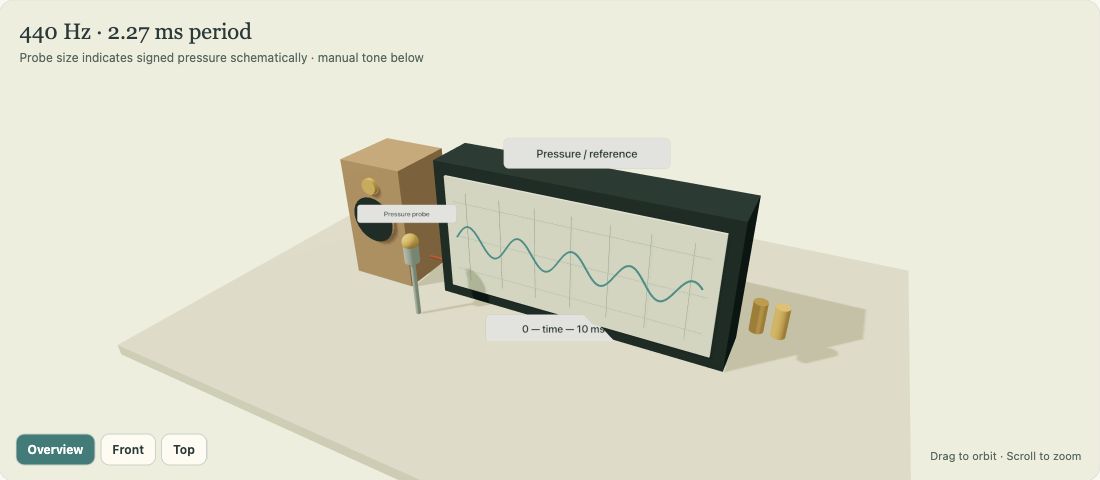
Sound and music lab
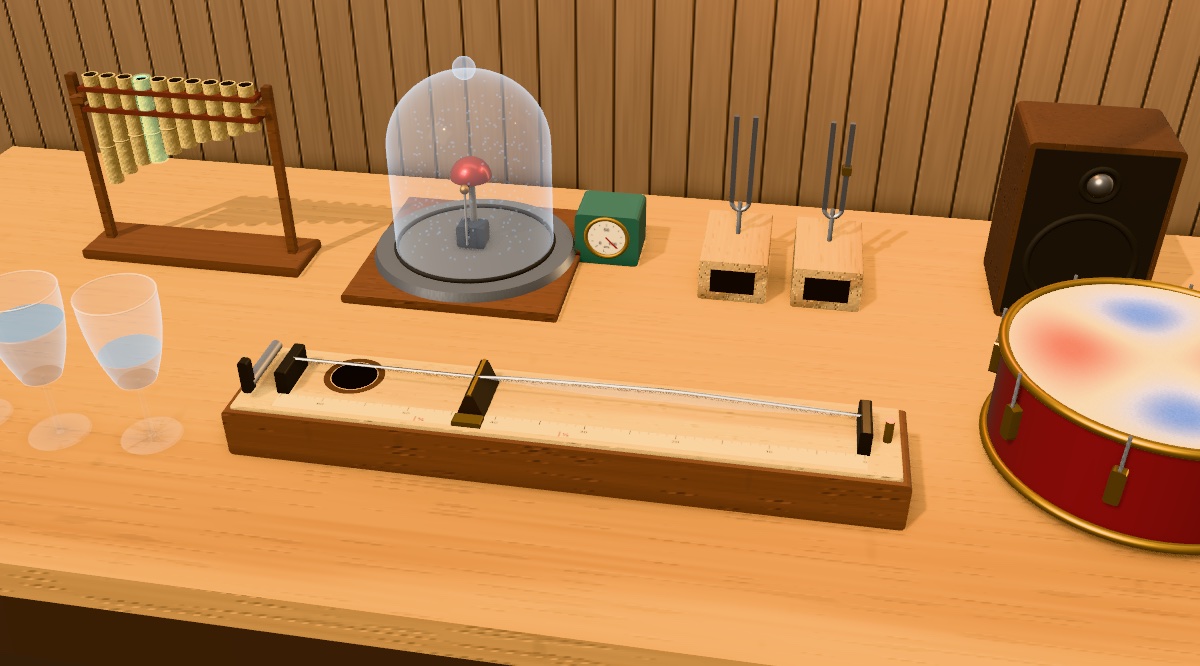
What makes one sound high and another low — and why does a violin sound different from a flute playing the same note?
Launch ↗Teacher notes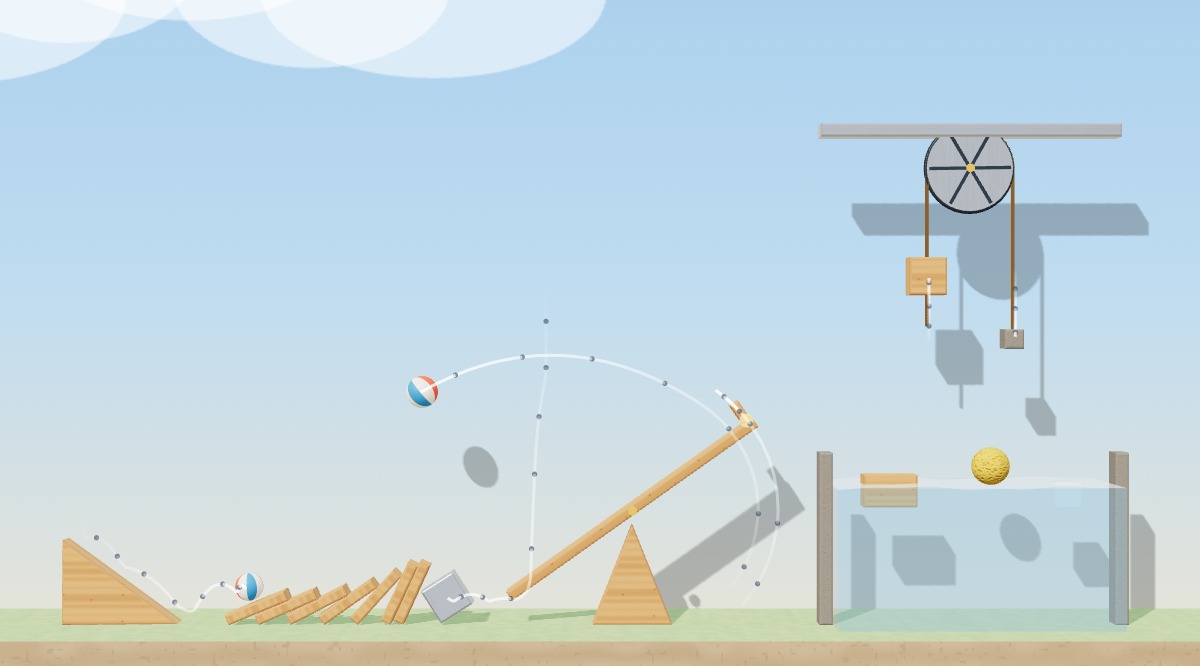
Half-life and radioactivity
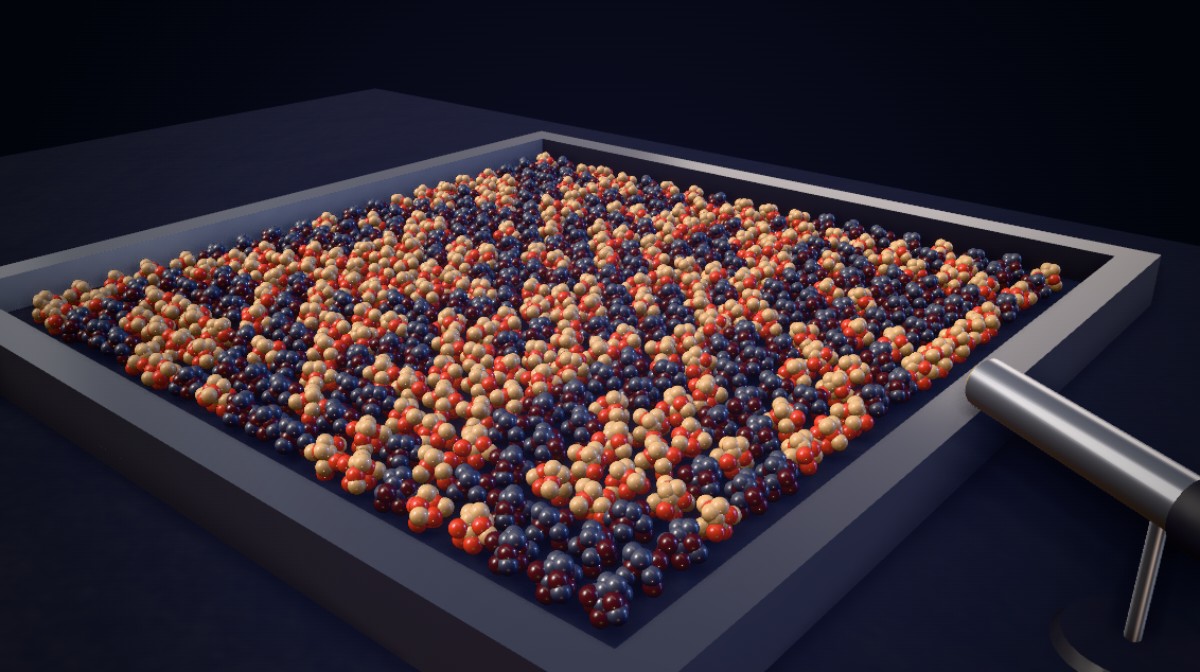
If you can't predict when one atom will decay, how can we date a 5,000-year-old mummy?
Launch ↗Teacher notes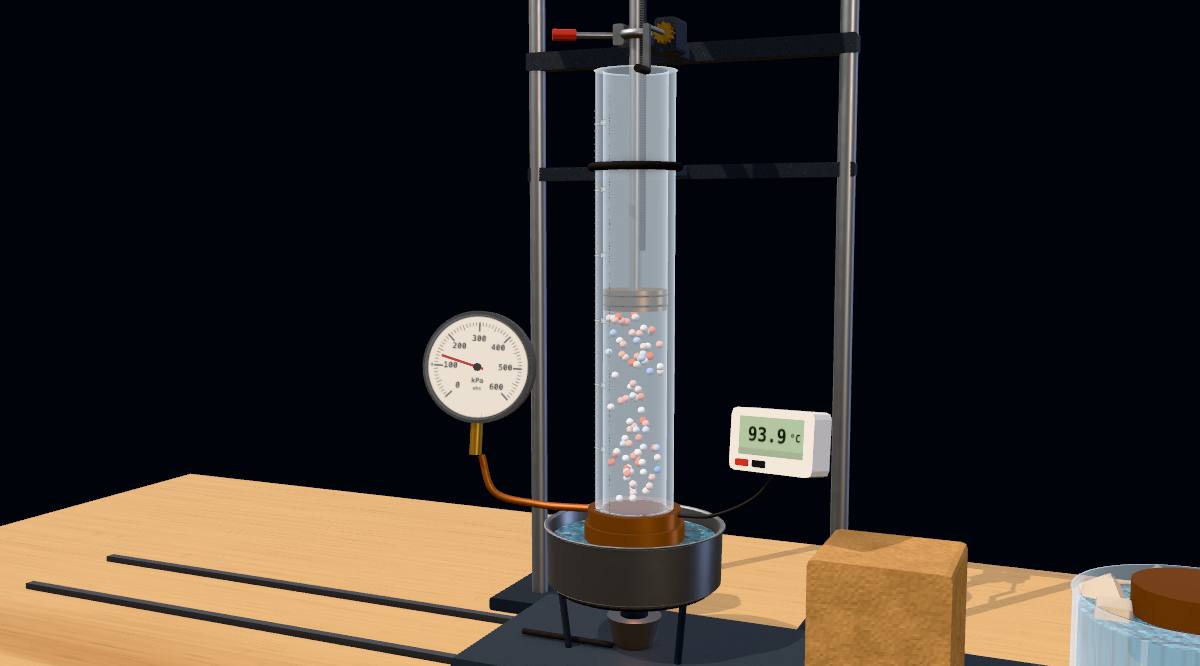
Gases and heat engines
How does a cylinder of hot air lift a weight, and why can no engine turn all of its heat into work?
Launch ↗Teacher notes
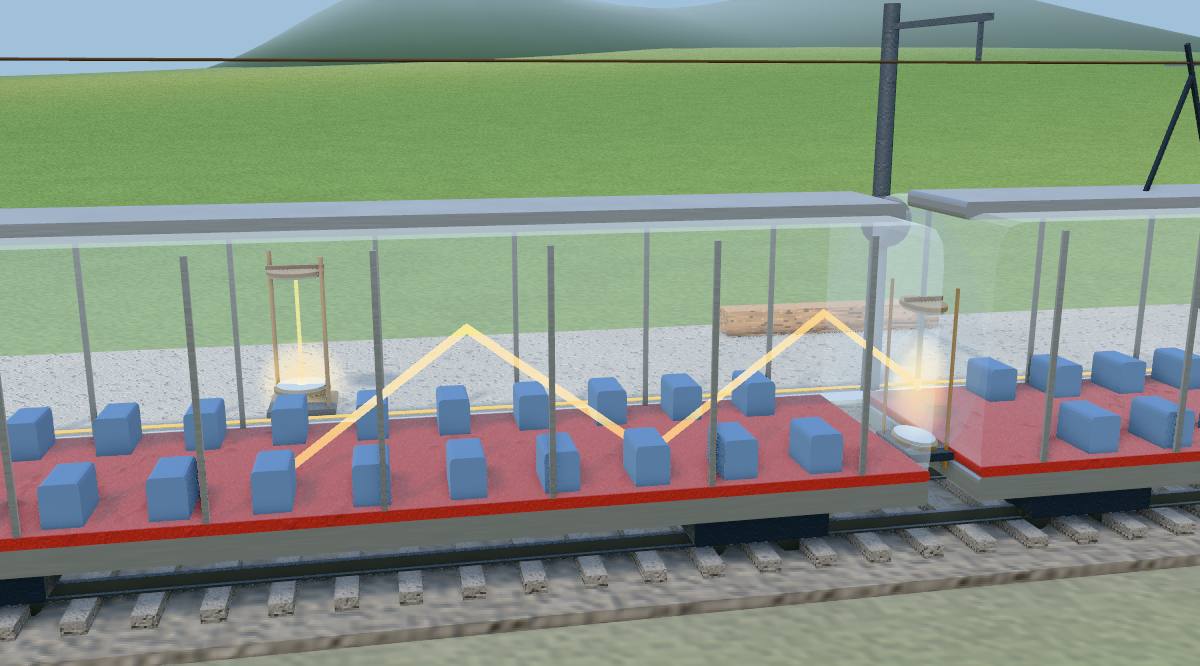
Special relativity
Can a clock on a fast train really run slow? If light has the same speed for everyone, what has to give way?
Launch ↗Teacher notes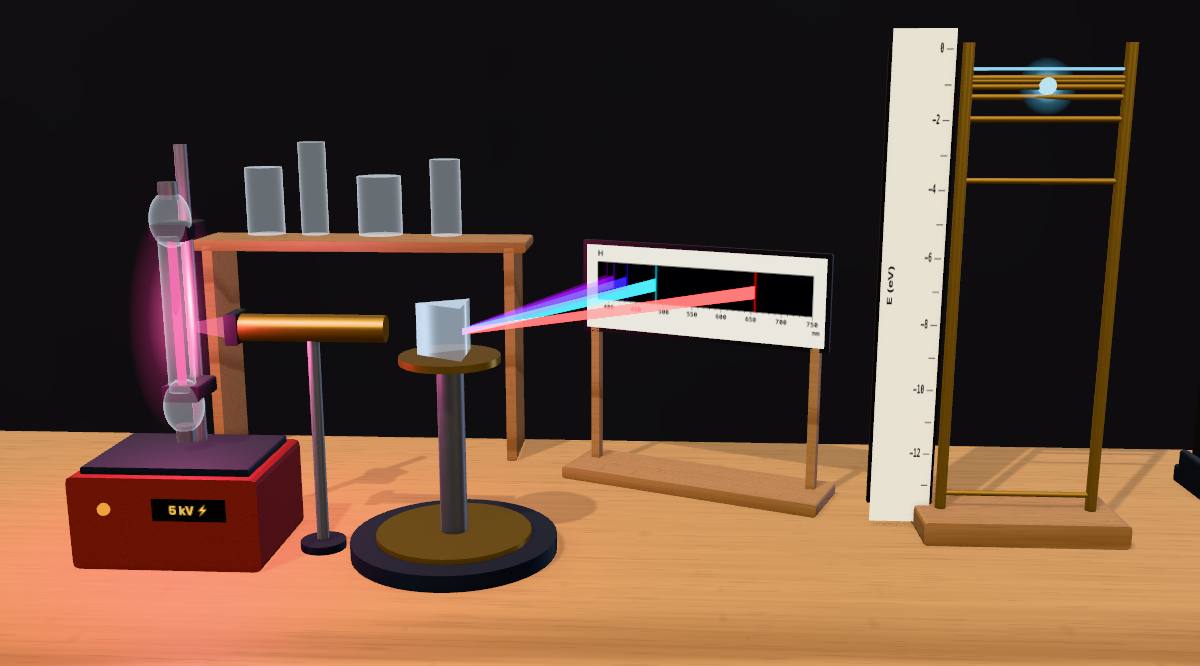
Light quanta and atoms
Why does a glowing gas shine only in a few colours, and why can red light never knock an electron out of a metal?
Launch ↗Teacher notesPHYSICS
Physics you can push, drop and switch on
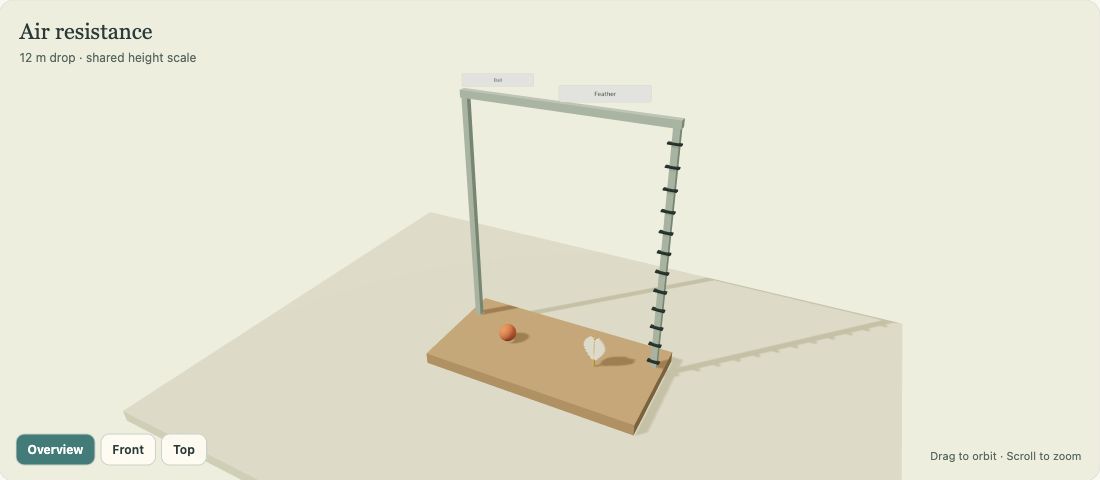
Physics is the science of what happens next. In these interactive physics labs pupils launch a catapult, drop a feather and a ball in a vacuum, build a circuit and bend a beam of light, and every time they change one thing they can see the result.
Each lab asks a question with a surprising answer: can a lower launch go farther? Does a heavier block slide down first? Pupils predict, test and then explain, which is exactly how physics is done. Everything runs in the browser, with no kit to set up and nothing to break.
Create a free account →What you can explore
Forces and motion
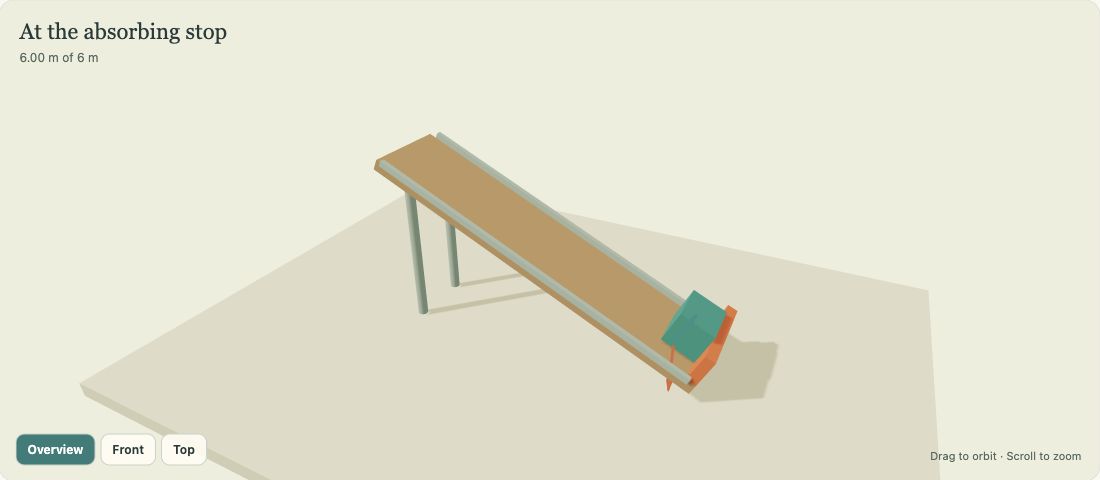
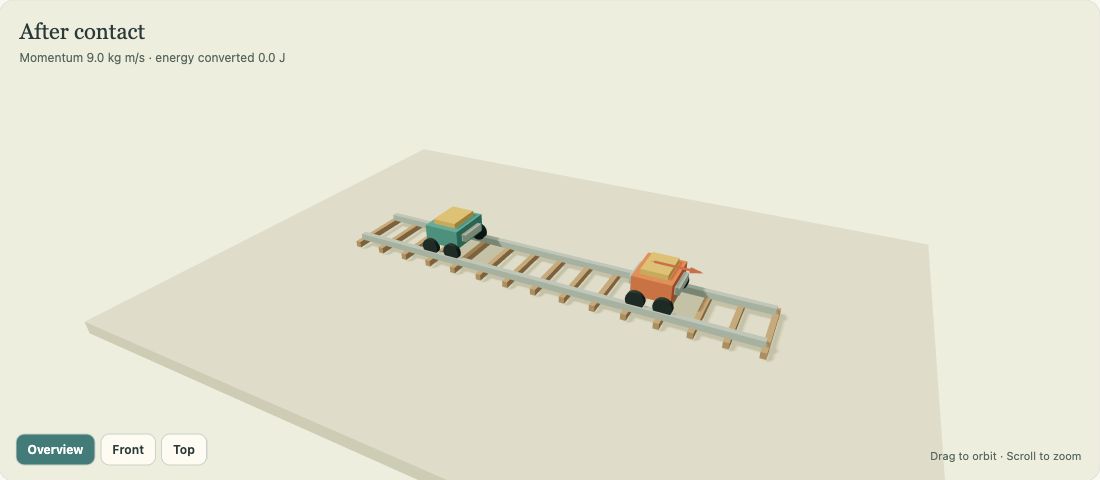
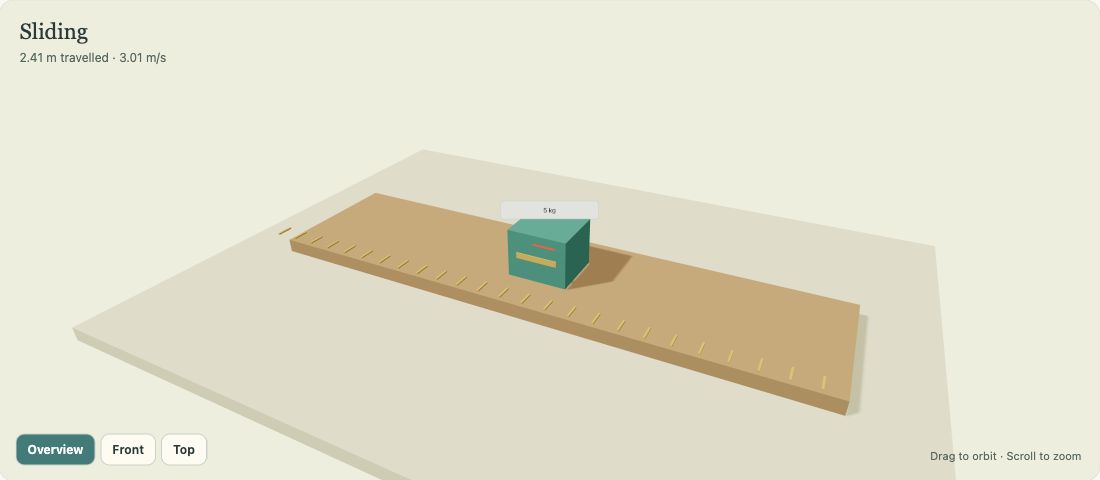
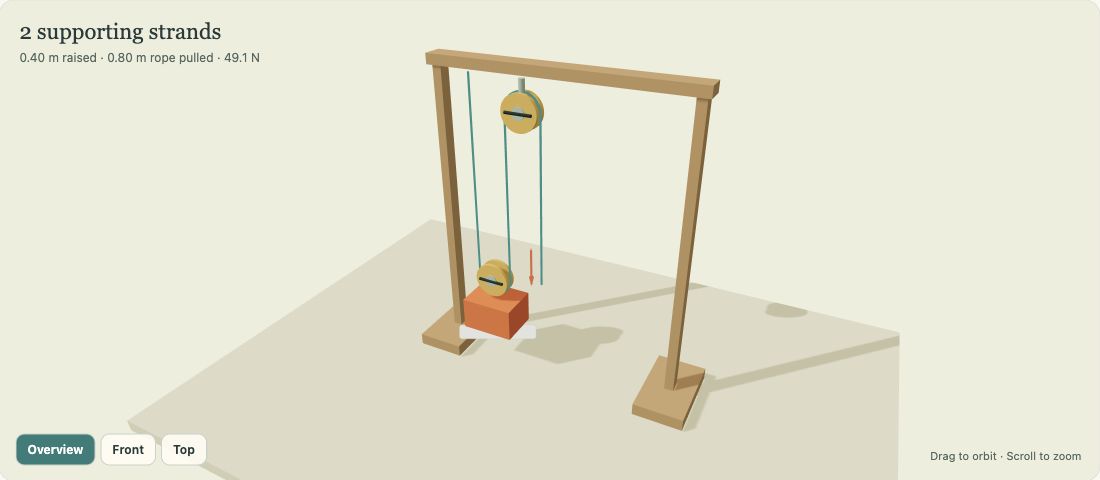
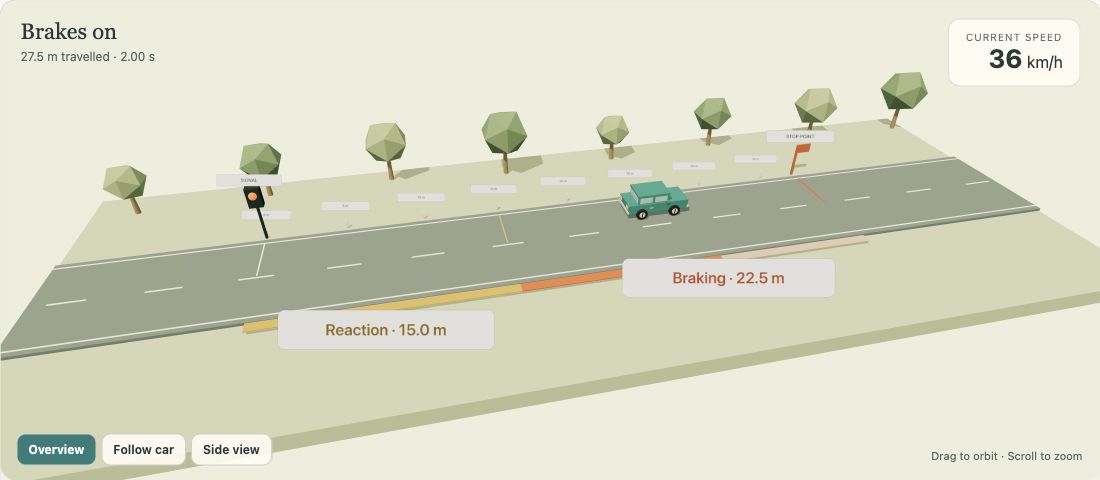
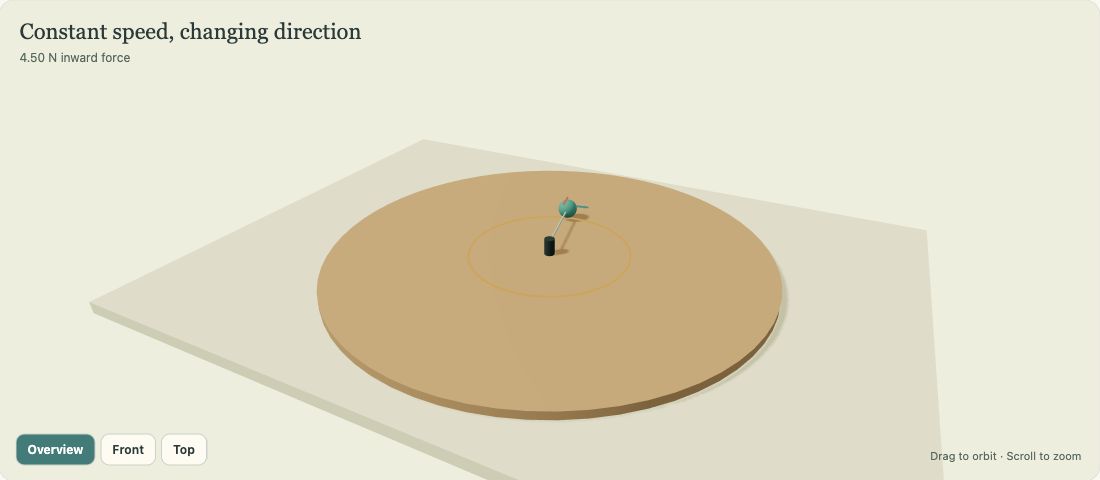
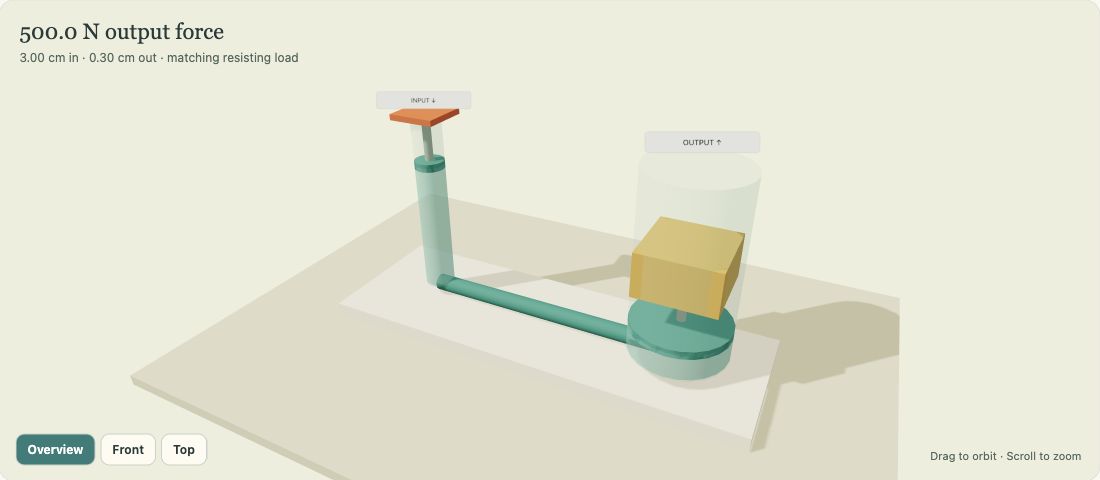
Launch, slide, collide and brake. Find out why starting to push is harder than keeping going, how pulleys and levers trade force for distance, and why twice the speed means far more than twice the stopping distance.
Energy and heat
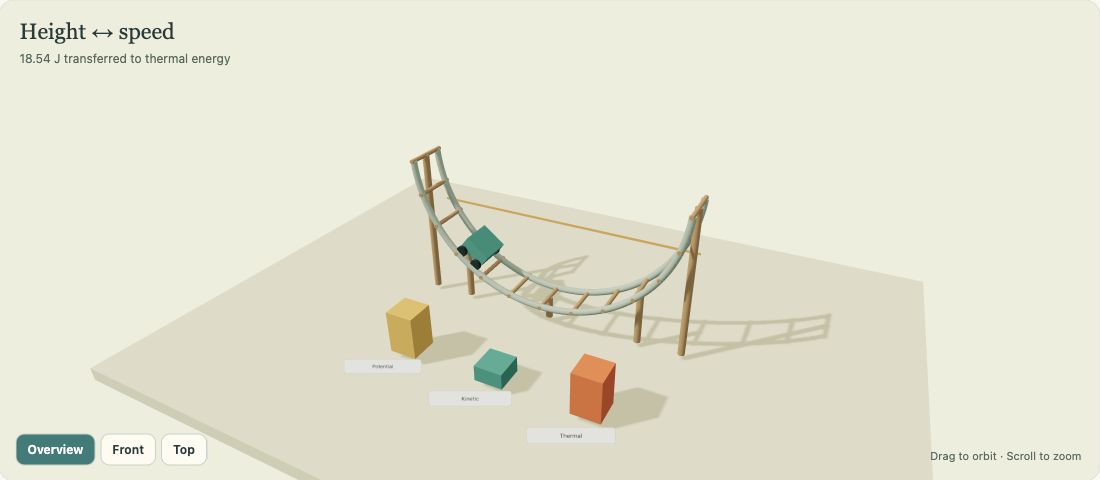
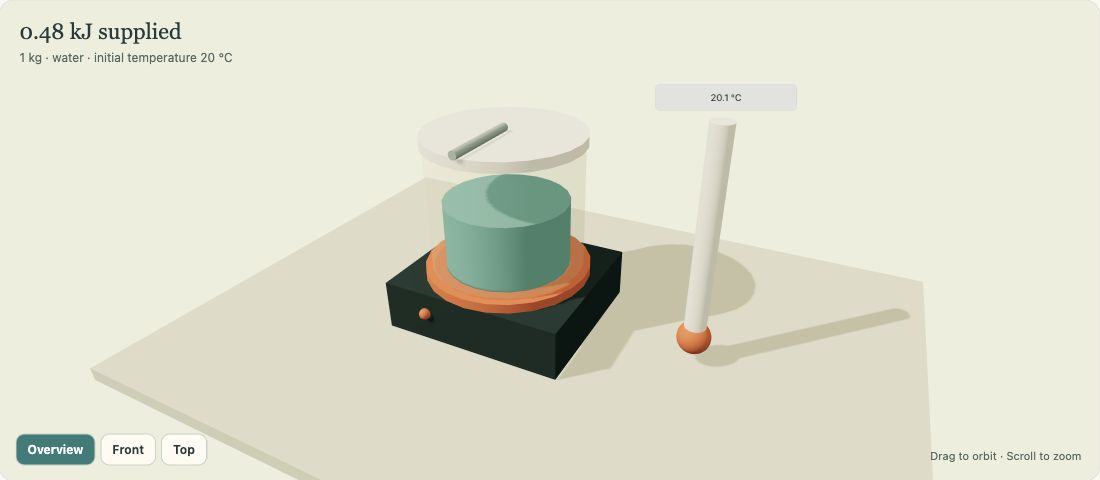
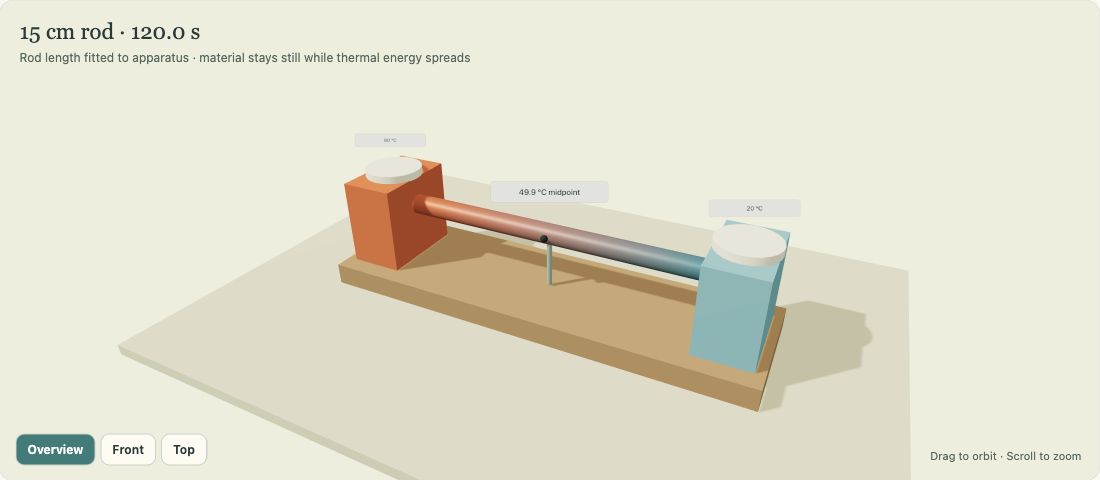
Send a cart round an energy track and see how high it can climb again. Heat two materials the same way and watch their temperatures rise differently, and find out which spoon warms first.
Light and colour
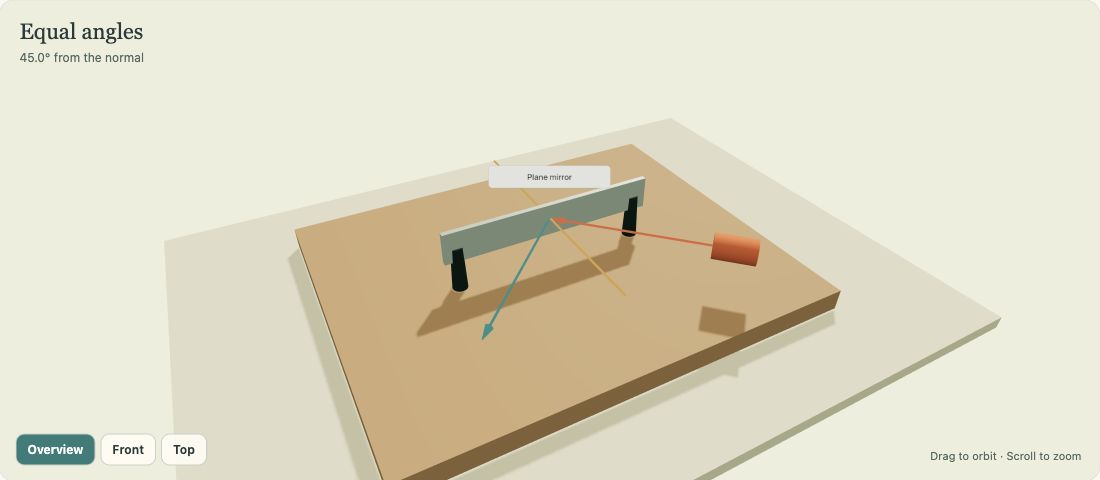
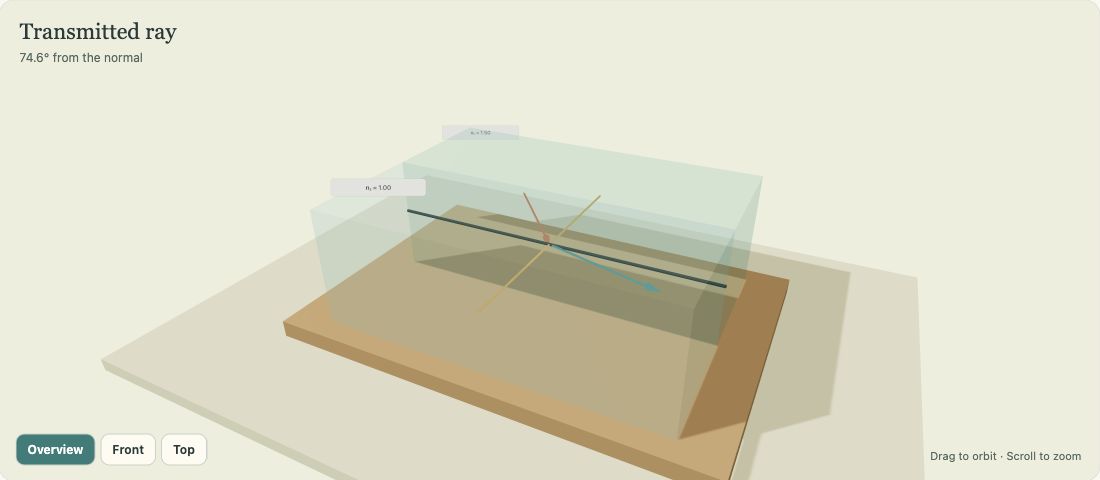
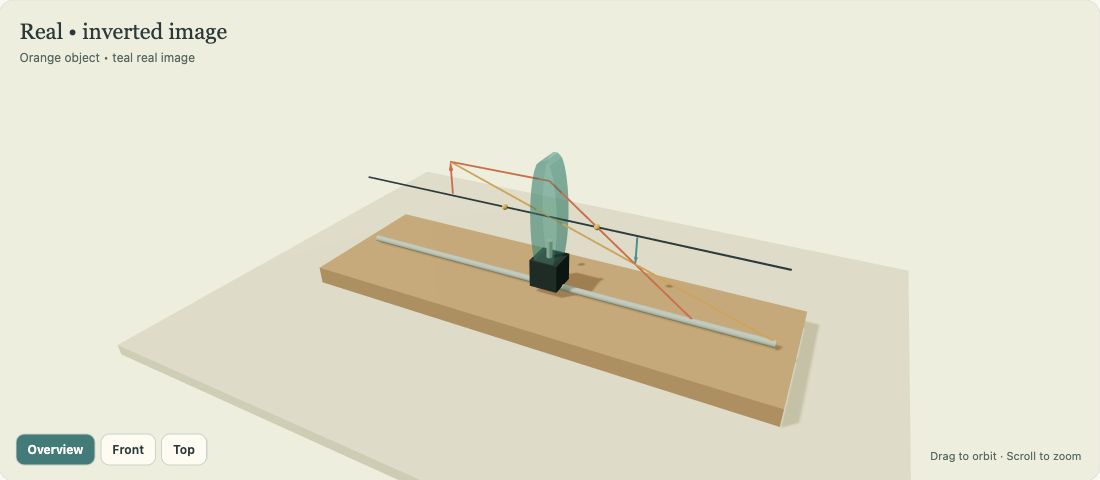
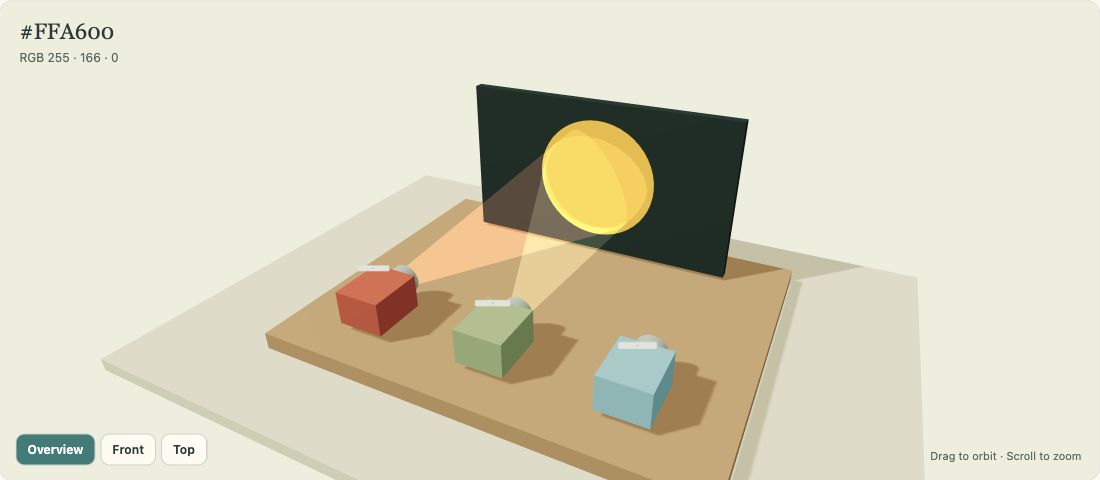
Steer a beam through a mirror maze, bend light into water, focus an image with a lens and mix red, green and blue light into white.
Waves and sound
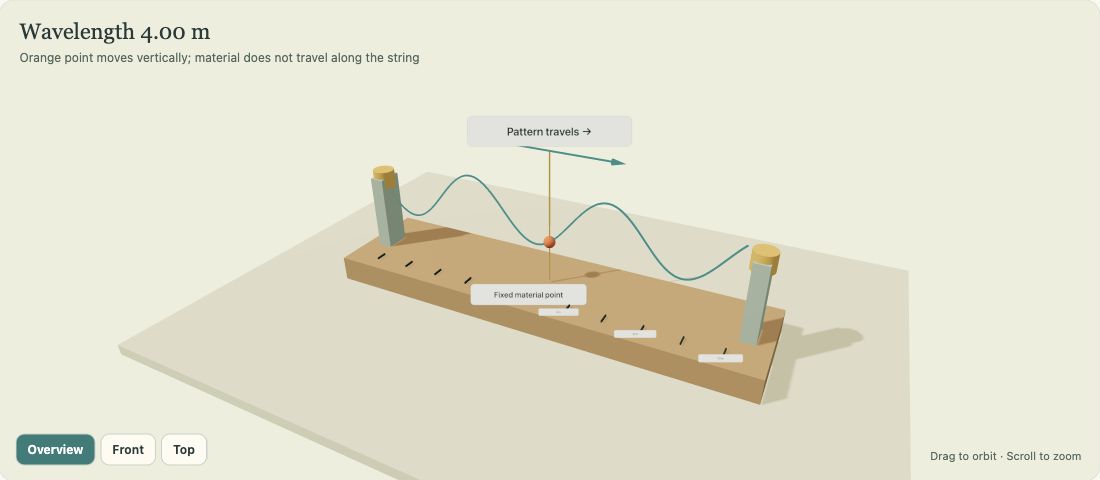
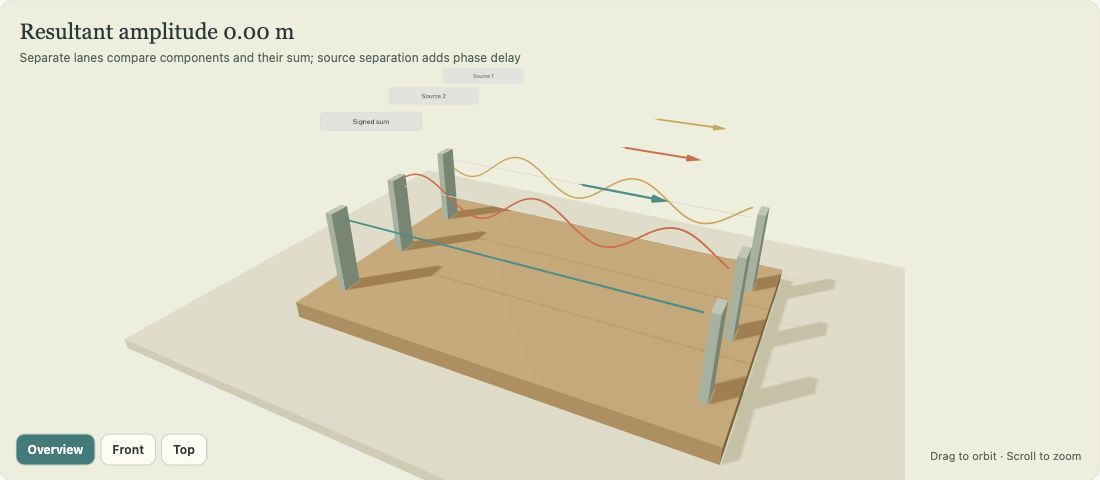
Send a wave down a string, watch two waves cancel each other out and see a sound’s pitch and loudness drawn as it plays. Push a swing at just the right moment to find resonance.
Electricity and magnetism
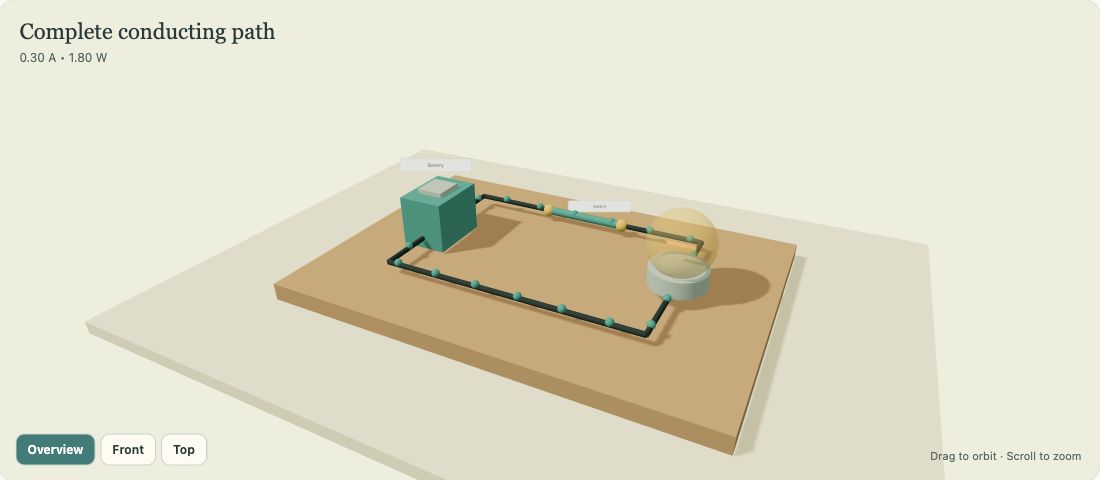
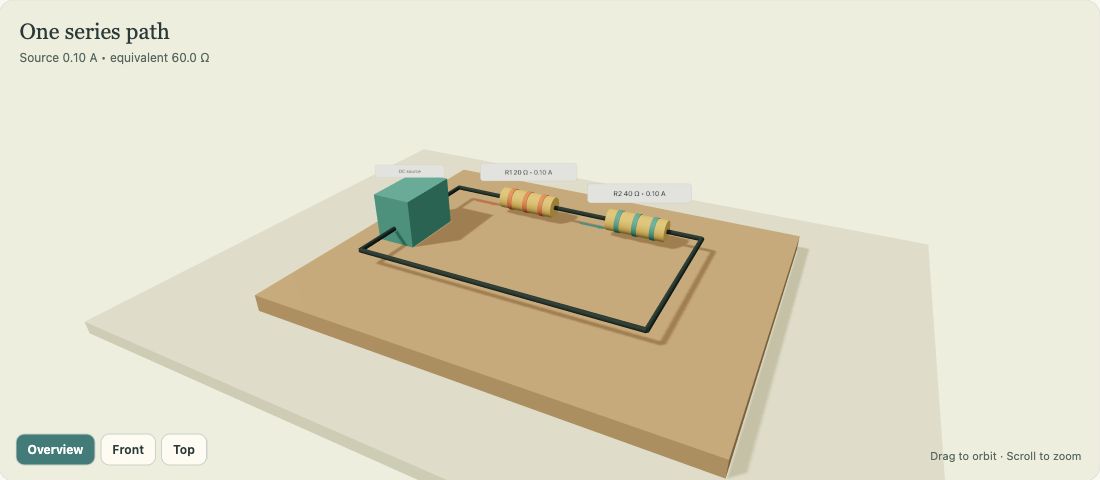
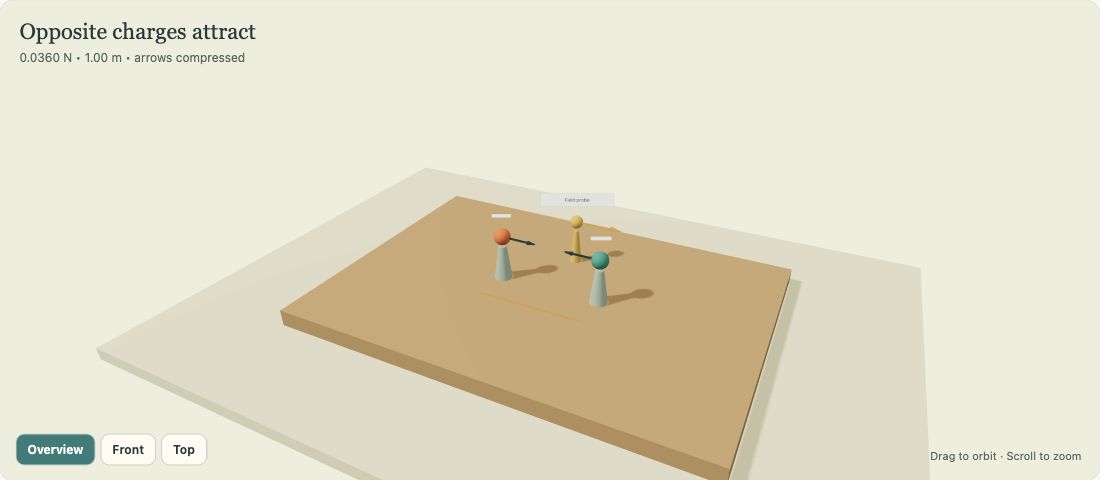
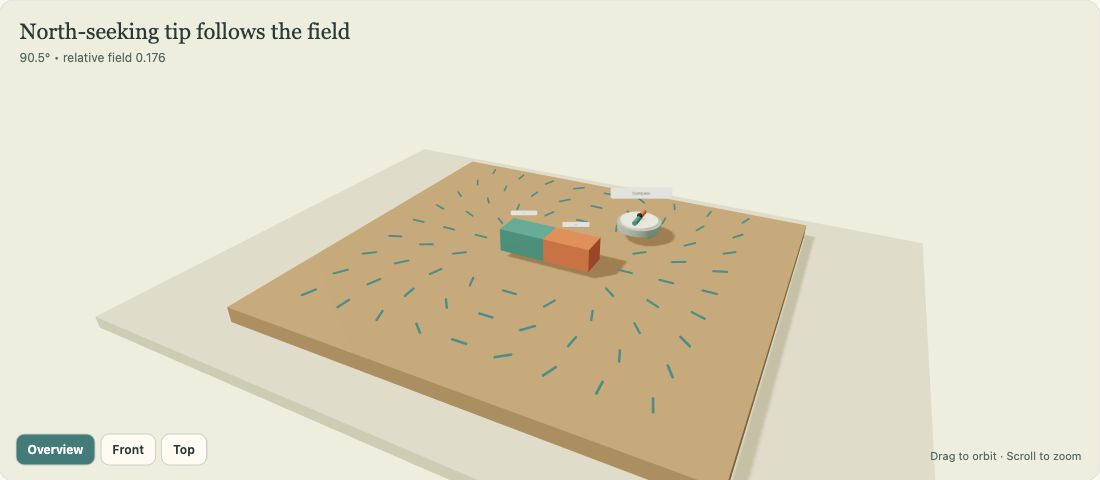
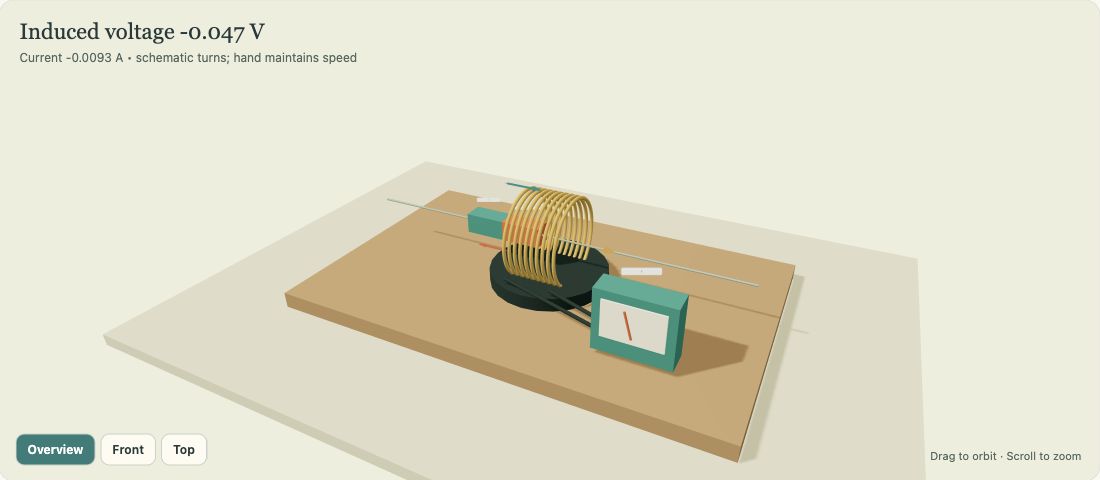
Light a bulb with a complete circuit, compare series and parallel, map a magnet’s field with a compass and make a current just by moving a magnet through a coil.
Flight, space and the atom
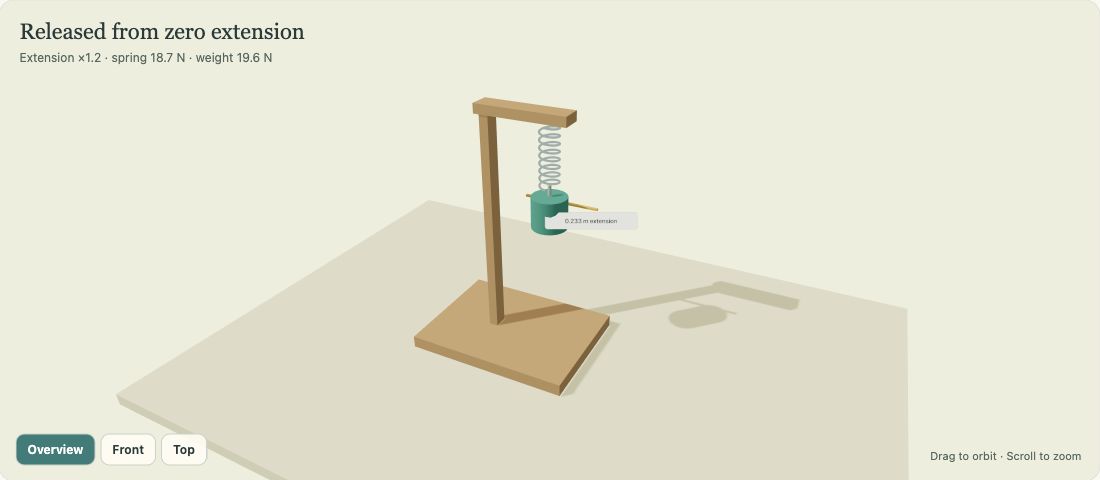
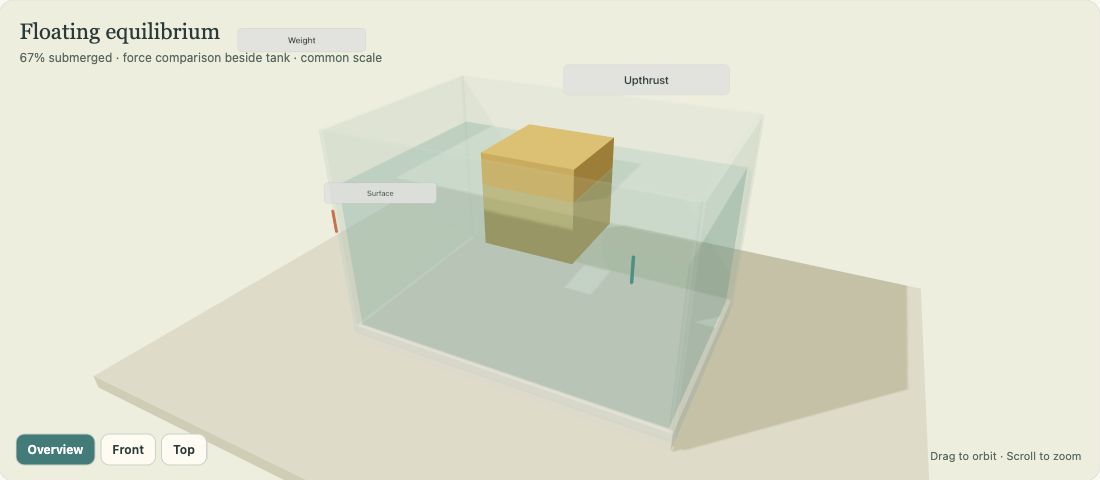
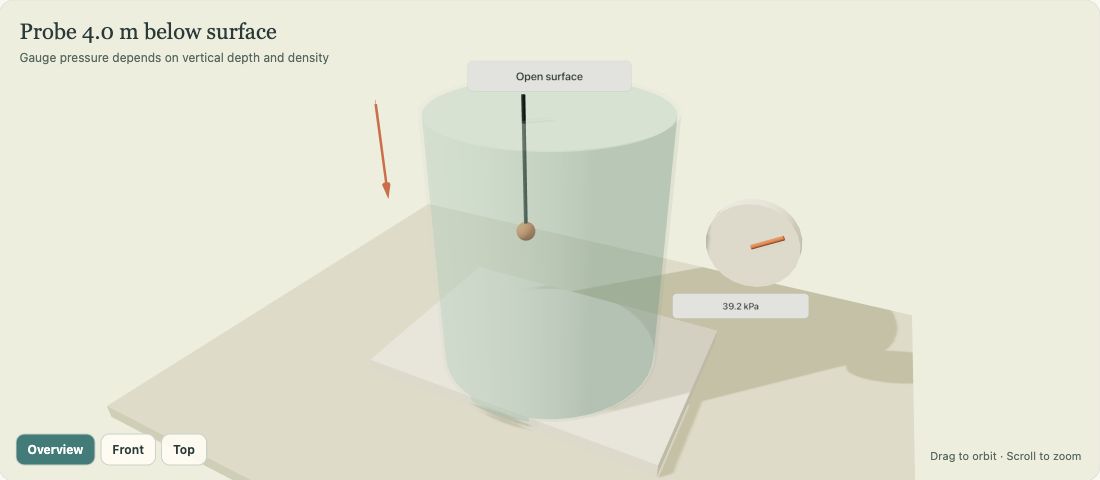
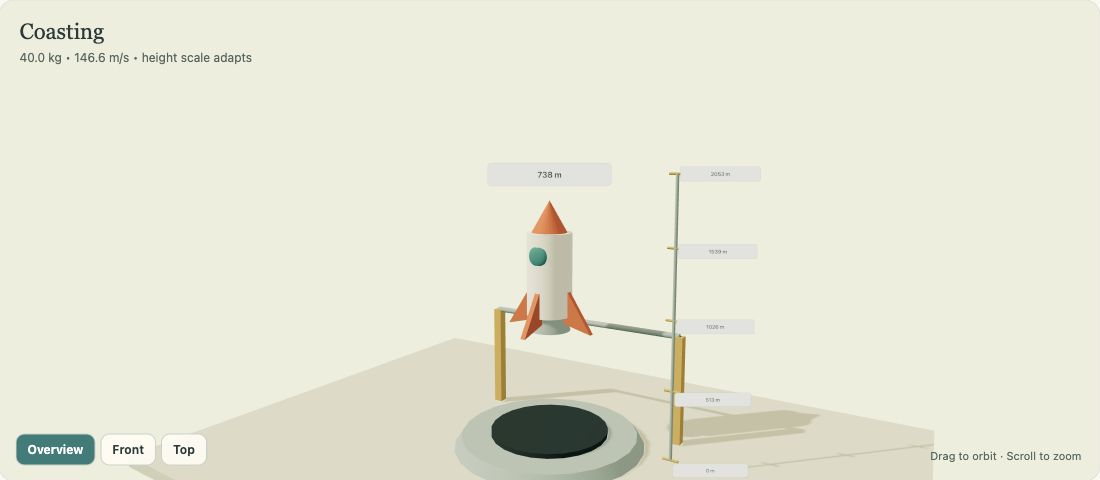
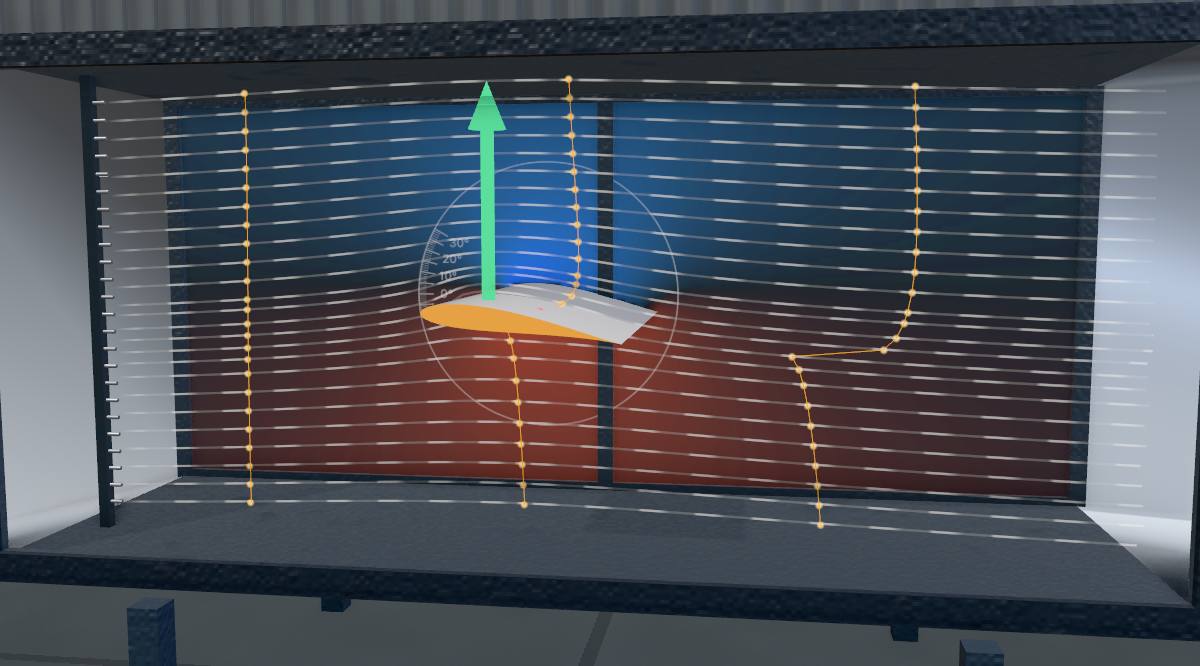
Find out how a 400-tonne aeroplane stays up, why a satellite keeps falling and missing the ground, how a rocket speeds up as it burns fuel, and how half-lives let us date a mummy.
How a lab works
Start with a question
Each lab opens on one question, pitched at the right level: most have an Explorer level for younger pupils and a Scientist level for older ones.
Change one thing
Move a slider, peel back a layer, add something or take it away. The model answers straight away.
Explain what happened
Short challenges ask for a prediction before you look, then for what you saw in your own words.
For teachers
A simulation on the board makes a practical you can’t run, or a starter that sets up one you can. Labs work as a whole lesson or a ten-minute starter, and each has teacher notes with questions to ask and the misconceptions pupils usually bring.
For families
No batteries, magnets or mess: just questions worth arguing about at the kitchen table. Pick an age at the top of the page to see the labs that suit your child.
Questions people ask
Are these physics simulations free?
Yes. Imagzle Learning is in beta: a free account opens every lab. After the beta a few labs will be part of a paid plan, each marked as such, and we will tell you at least 30 days before.
What ages are they for?
From about 7 to 16, from the last years of primary school to GCSE-age pupils. Each lab shows its suggested ages, and most have an Explorer level and a harder Scientist level.
Can a simulation replace a real practical?
It works best alongside one: before, to set up the question, or after, to try what the classroom can’t, like taking the air away. The teacher notes say where each model simplifies.
Do I need to install anything?
No. The labs run in an up-to-date web browser. A recent computer or classroom board gives the smoothest 3D.