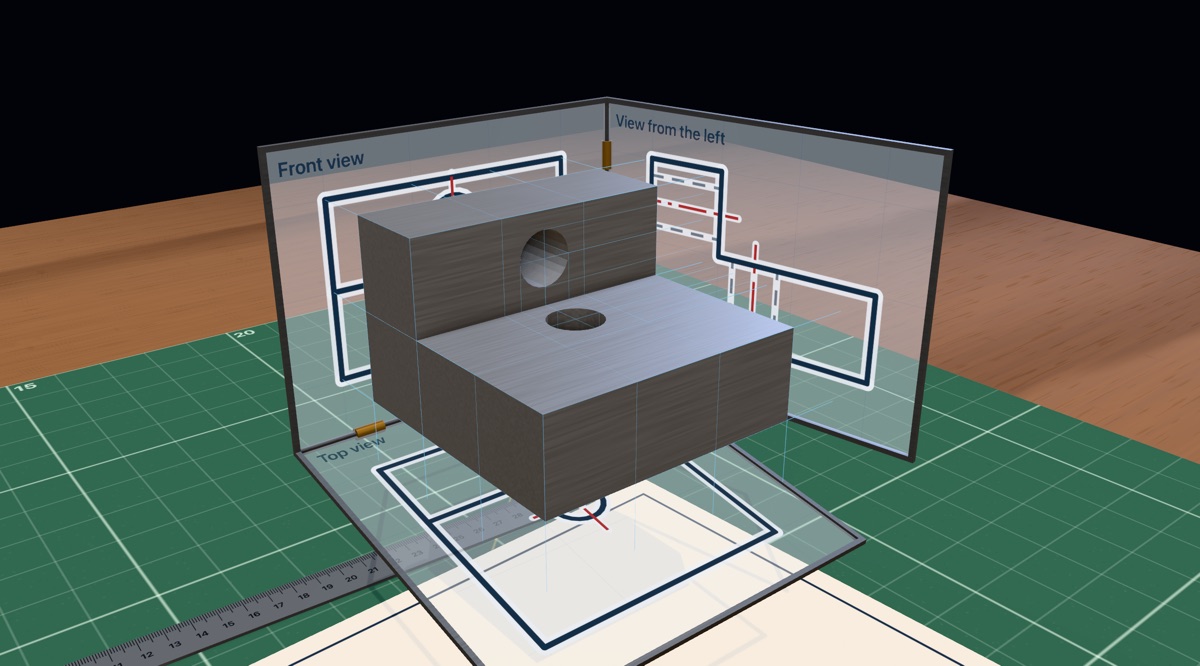
Technical drawing
How do you draw a 3D object on flat paper so anyone can make it?
Launch ↗Teacher notesDraw objects the way engineers do, power a town and load a bridge until something gives.
How do you draw a 3D object on flat paper so anyone can make it?
Launch ↗Teacher notes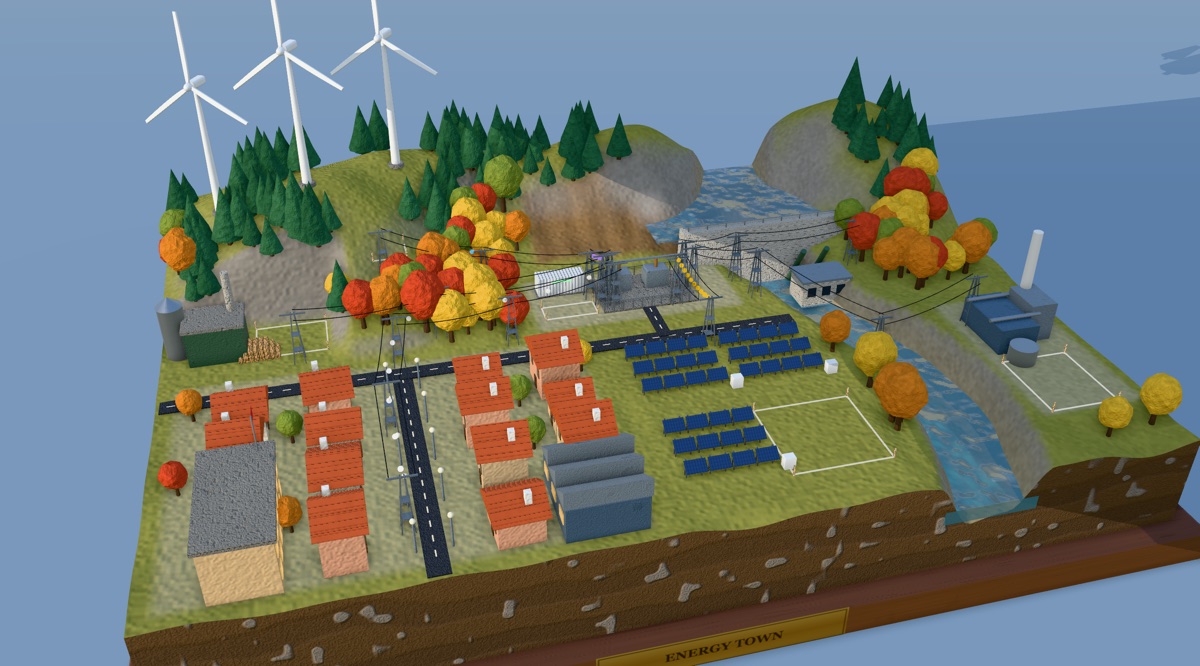
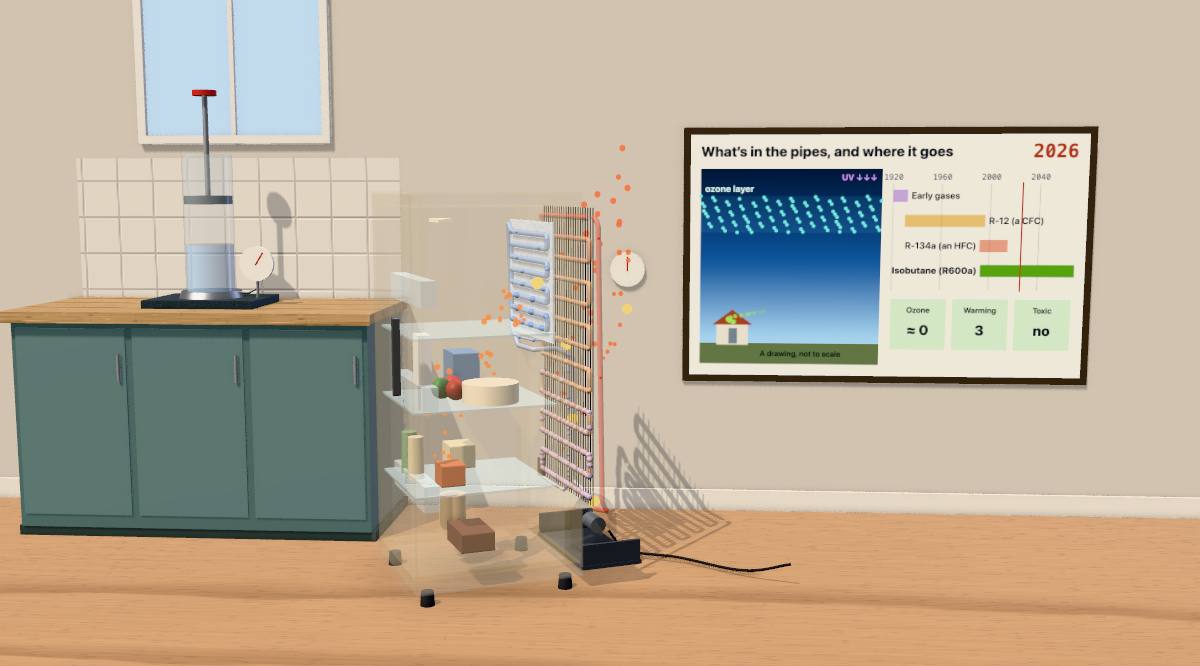
Can you keep a town's lights on all day and all year without filling the sky with CO₂?
Launch ↗Teacher notes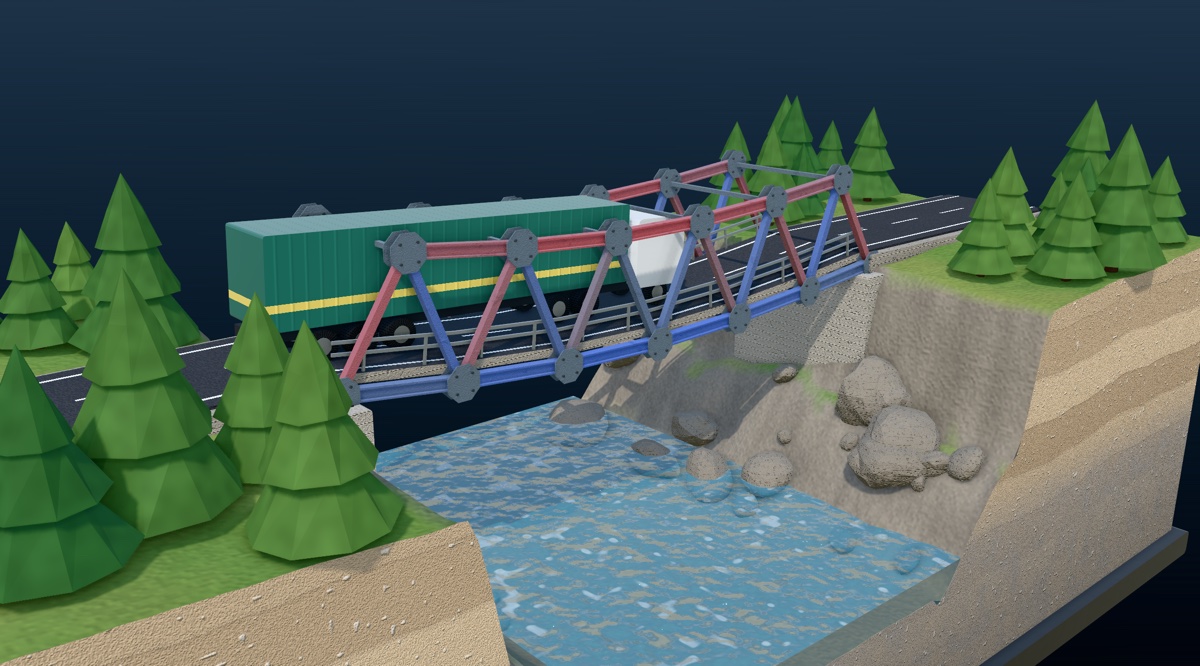
Which part of a bridge breaks first — and why do triangles hold it up?
Launch ↗Teacher notes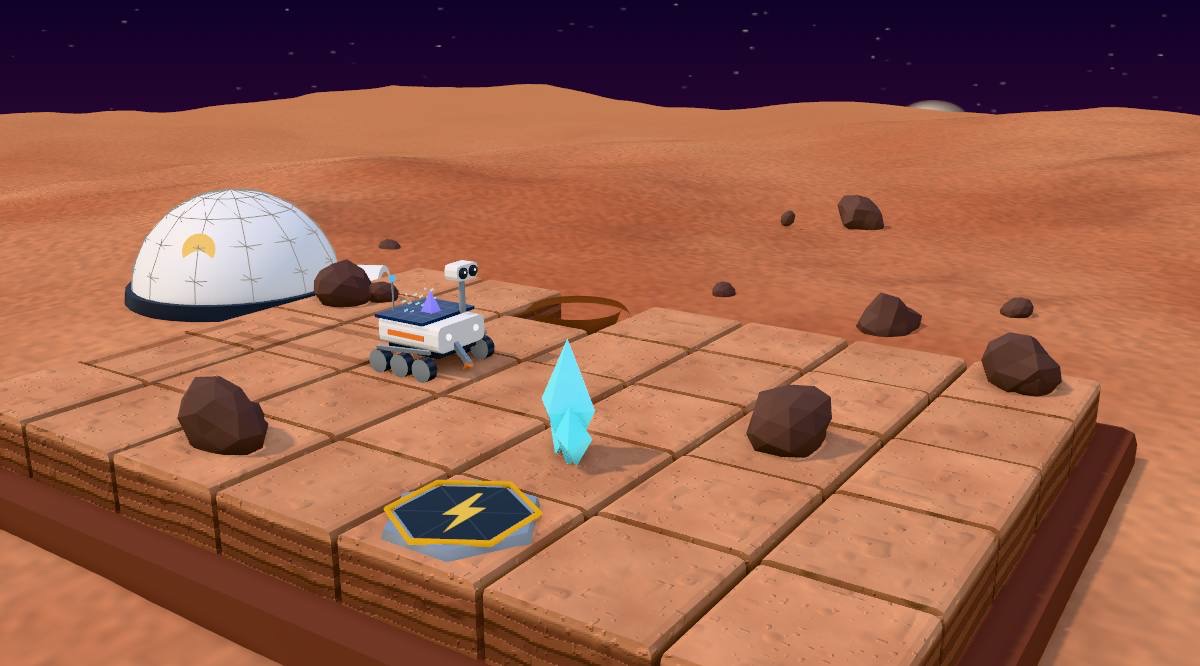
Can you give a robot instructions so precise that it never gets lost?
Launch ↗Teacher notes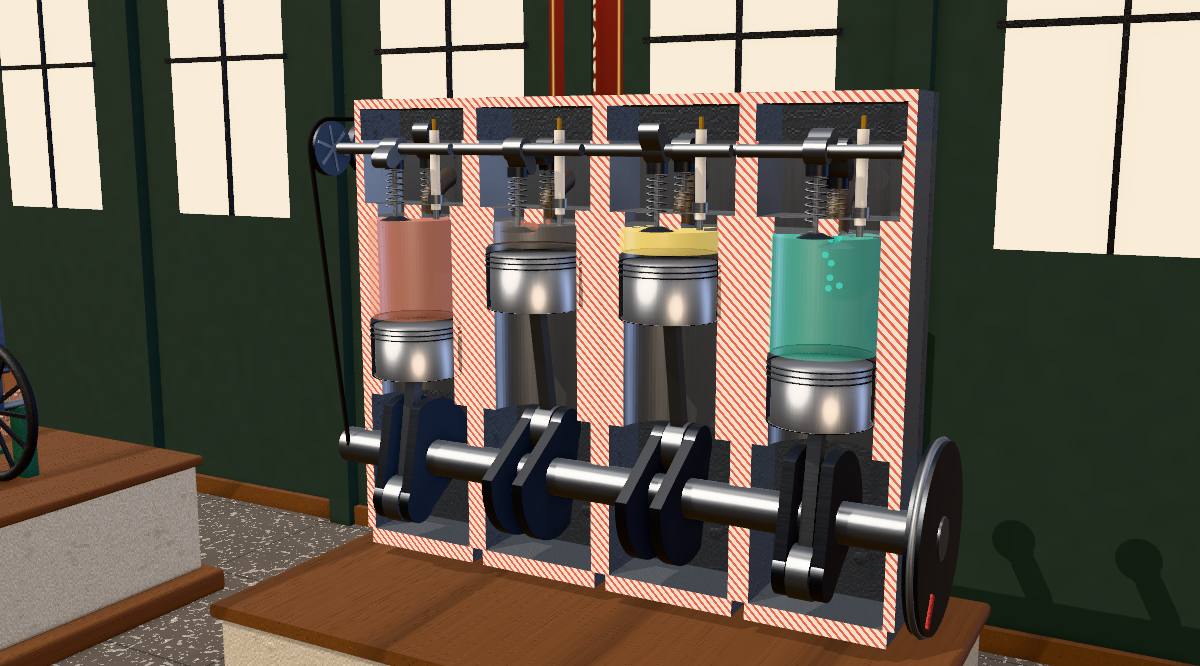
How does burning fuel — or steam, or electricity — end up turning a wheel?
Launch ↗Teacher notes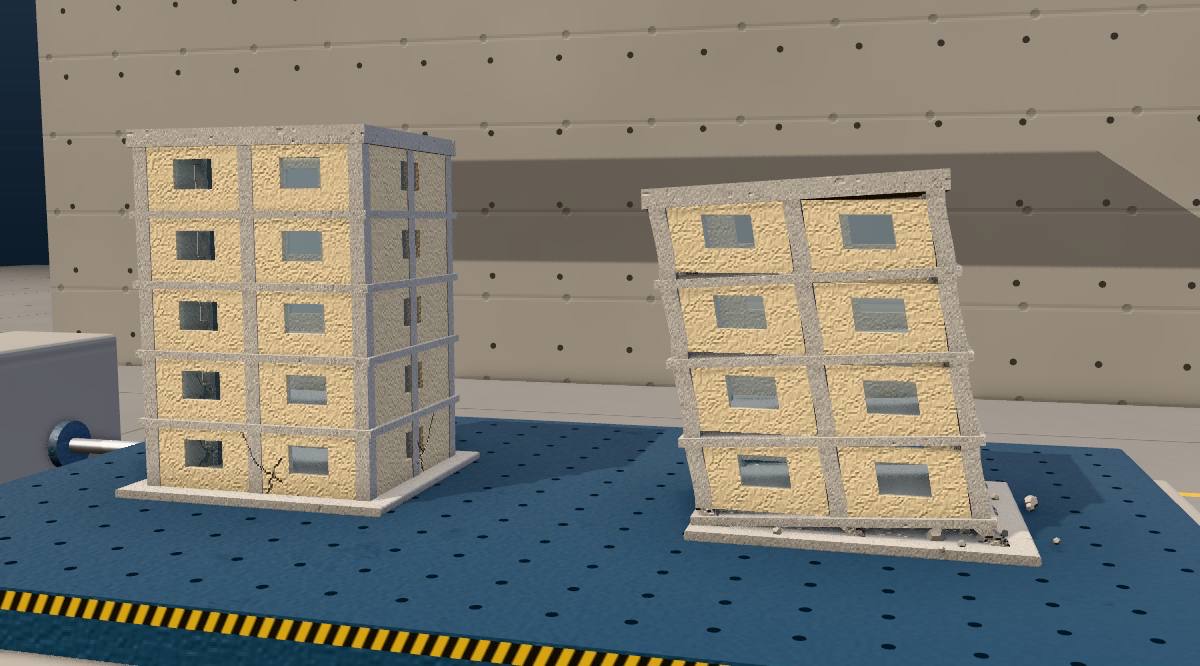
Why do some buildings fall in an earthquake while the one next door stays standing?
Launch ↗Teacher notes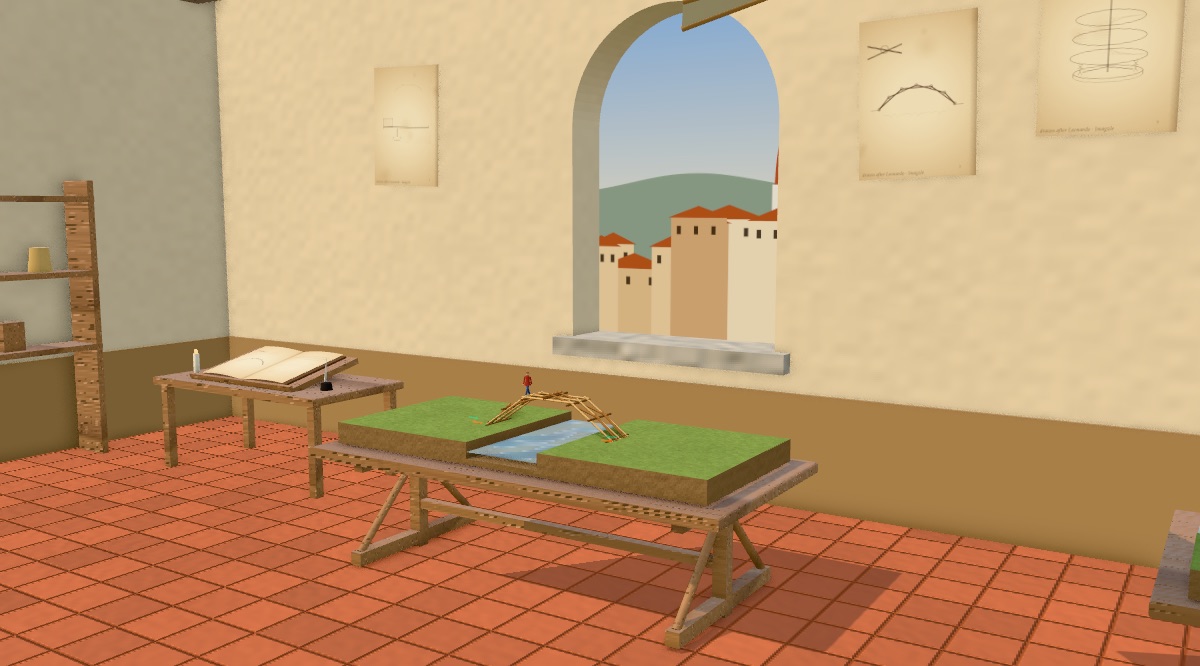
Which of Leonardo da Vinci’s inventions would really have worked?
Launch ↗Teacher notes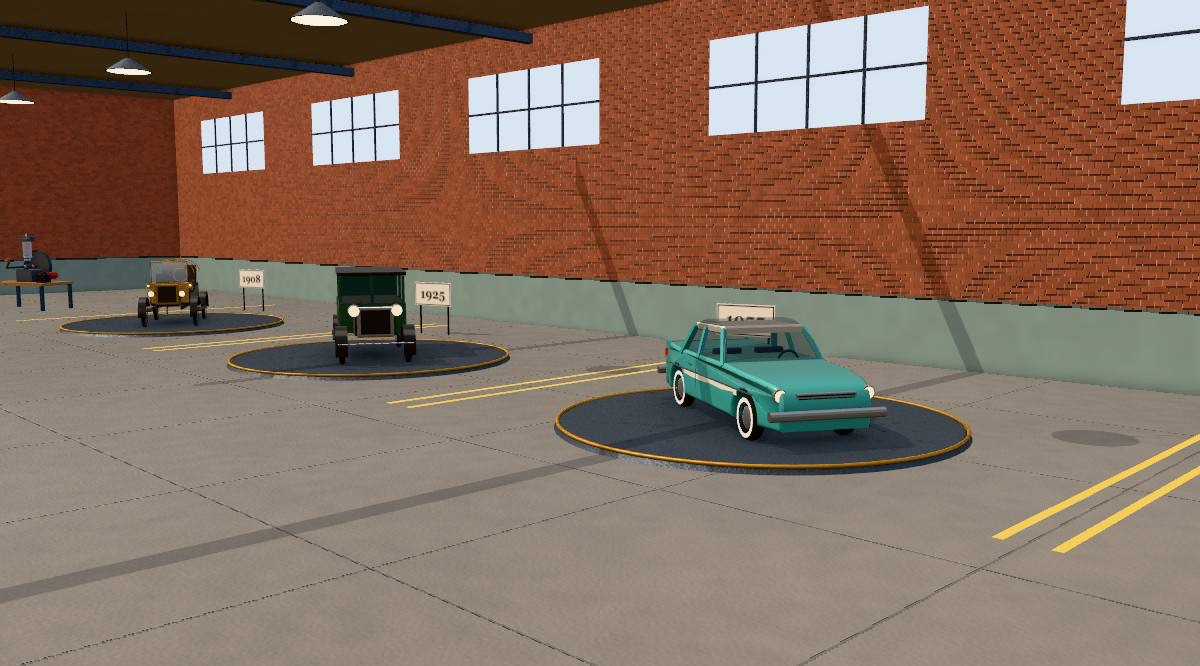
A car of 1908 and a car of today: what really changed, and how much safer is it?
Launch ↗Teacher notes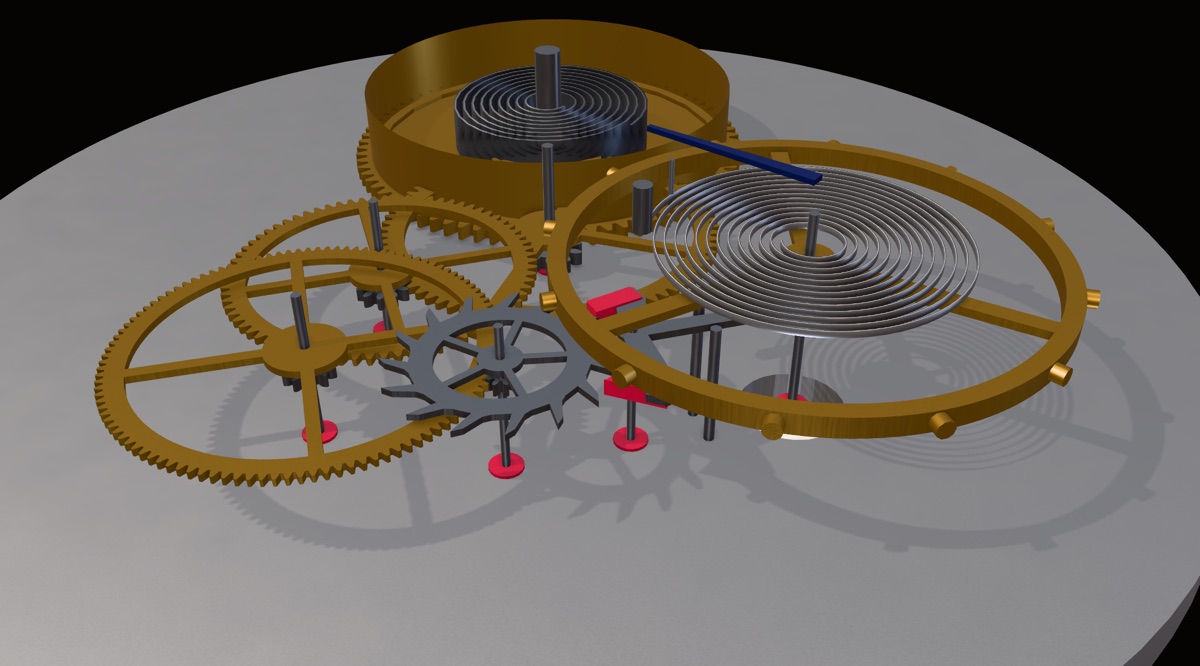
How can a spring, a wheel and a tiny fork count every second of the day?
Launch ↗Teacher notes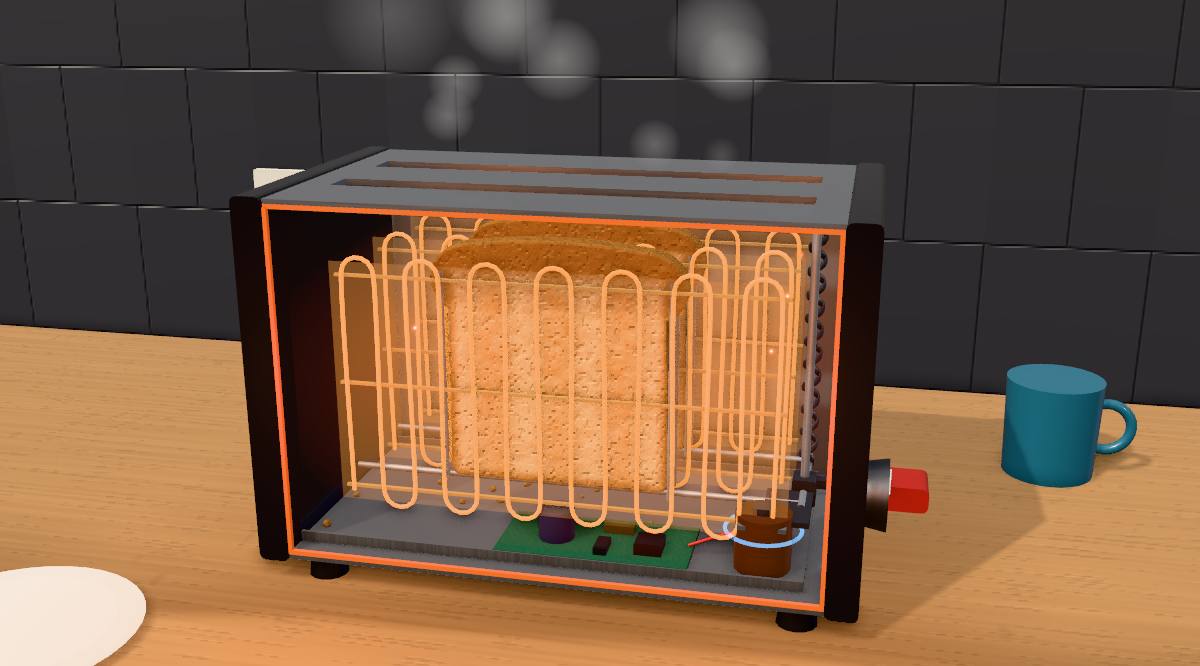
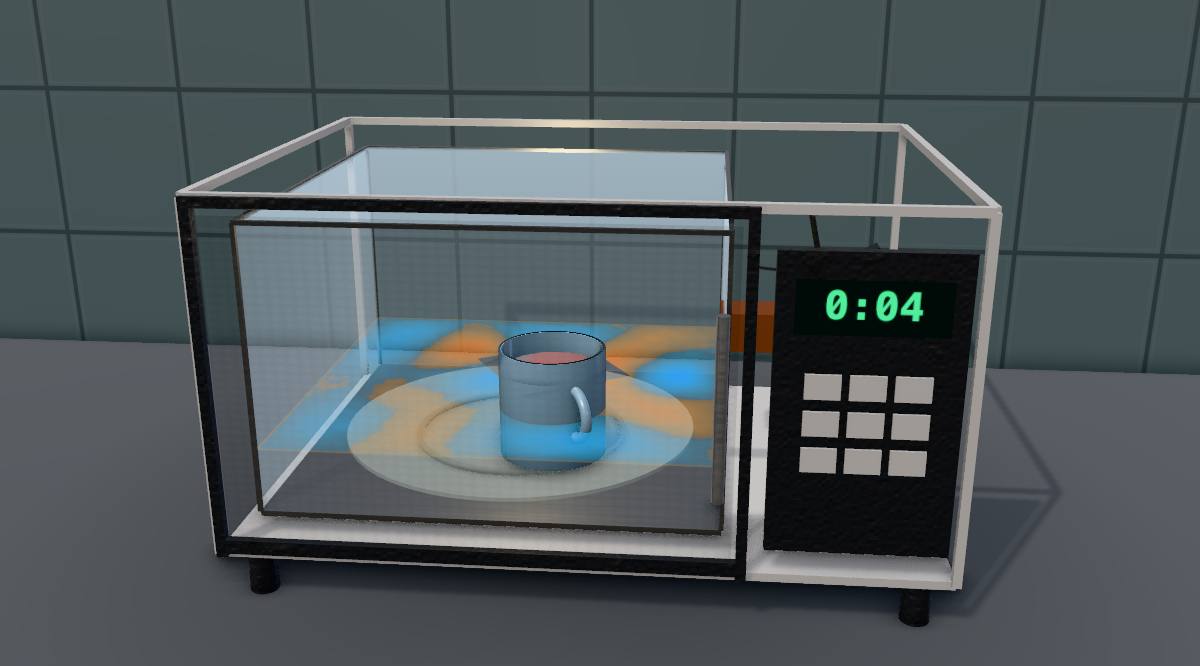
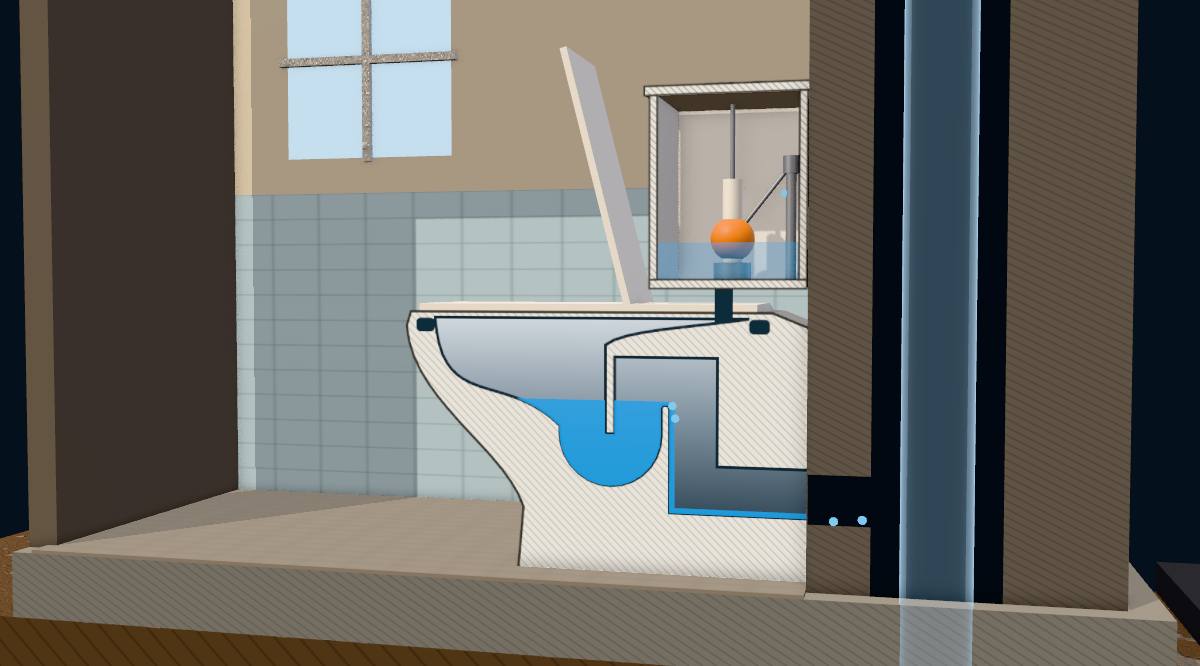
TECHNOLOGY
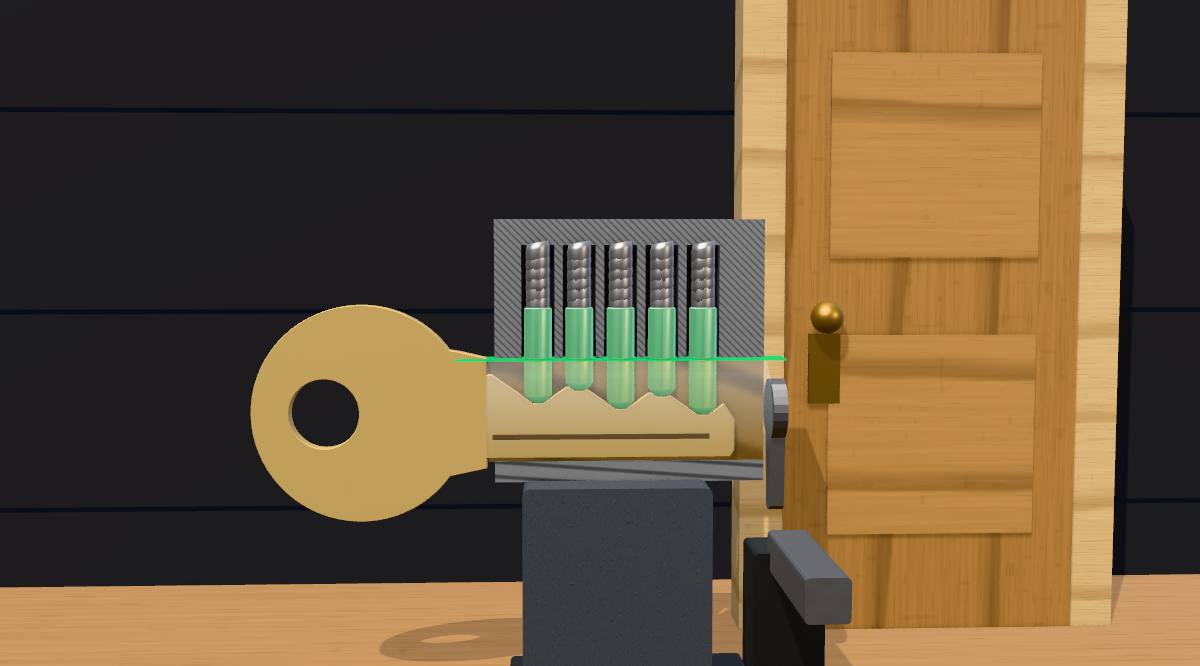
Every object around us was designed by someone who had to make it stand up, move or switch on. These interactive technology labs let pupils think like engineers: load a bridge until it gives, shake a building, mesh gears, keep a town’s lights on and program a rover so precisely it never gets lost.
Machines come apart layer by layer, from Leonardo’s inventions to a watch escapement and a car engine, so pupils can see the idea inside before they try to build it themselves.
Create a free account →Turn a 3D object into front, side and top views and an isometric drawing, the way engineers do, so anyone could make it from paper.
Load a bridge to find which part breaks first and why triangles hold it up, then shake a street of buildings to see why one falls in an earthquake while its neighbour stays standing.
Mesh gears to trade speed for force and see how a bicycle helps you climb a hill. Test which of Leonardo da Vinci’s machines would really have worked, and watch a spring, a wheel and a tiny fork count every second in a watch.
Keep a town powered all day and all year without filling the sky with CO₂, see how fuel, steam or electricity ends up turning a wheel, and find out how cars became so much safer in a century and why racing cars stick to the road.
Program a rover step by step and debug it when it goes astray, then count in binary and wire logic gates into a circuit that adds numbers.
Each lab opens on one question, pitched at the right level: most have an Explorer level for younger pupils and a Scientist level for older ones.
Move a slider, peel back a layer, add something or take it away. The model answers straight away.
Short challenges ask for a prediction before you look, then for what you saw in your own words.
Labs fit design and technology, computing and the technology lessons of Italian middle schools. Use them before a making project to test ideas, or when there is no workshop at all. Each has teacher notes with questions to ask and common misconceptions.
For the child who takes things apart to see how they work. Here everything goes back together again.
Yes. Imagzle Learning is in beta: a free account opens every lab. After the beta a few labs will be part of a paid plan, each marked as such, and we will tell you at least 30 days before.
From about 7 to 16. The coding rover and gears suit younger pupils; technical drawing, logic gates and engines are for secondary. Each lab shows its suggested ages.
No. The coding labs start from the very first instruction and build up from there.
No. The labs run in an up-to-date web browser. A recent computer or classroom board gives the smoothest 3D.